Moodle LMS integration defines how your platform connects to the rest of your business systems. Unfortunately, this is where most organizations lose control early.
A Moodle instance can work well as a standalone system — at first. Then new requirements appear (highlight your option):
- HR needs automated enrollments
- Sales teams request training data in the CRM
- Managers expect reports tied to performance
At this point, problems begin. Teams start exporting CSV files and manually reconciling data across systems. The issue is not the platform. It is the absence of an integration architecture.
Moodle can support most integration scenarios — but only when they are designed upfront. When integrations are added one by one, the platform turns into a set of fragile connections that require constant manual support.
When integration decisions are made early, Moodle becomes a stable part of the learning infrastructure. When they are not, operational complexity grows with every new system.
TL;DR
- Moodle LMS integration is not about connecting tools — it defines how learning matches with your operational workflows.
- Most integration issues start when systems are connected reactively, without a clear architecture.
- API integration provides the highest level of control and automation, but requires technical ownership.
- LTI integration works well for connecting external learning tools, but offers limited control over data and workflows.
- Third-party tools solve specific tasks quickly, but often increase dependency and maintenance complexity over time.
- The right approach depends on how much control and operational complexity your organization is prepared to manage.
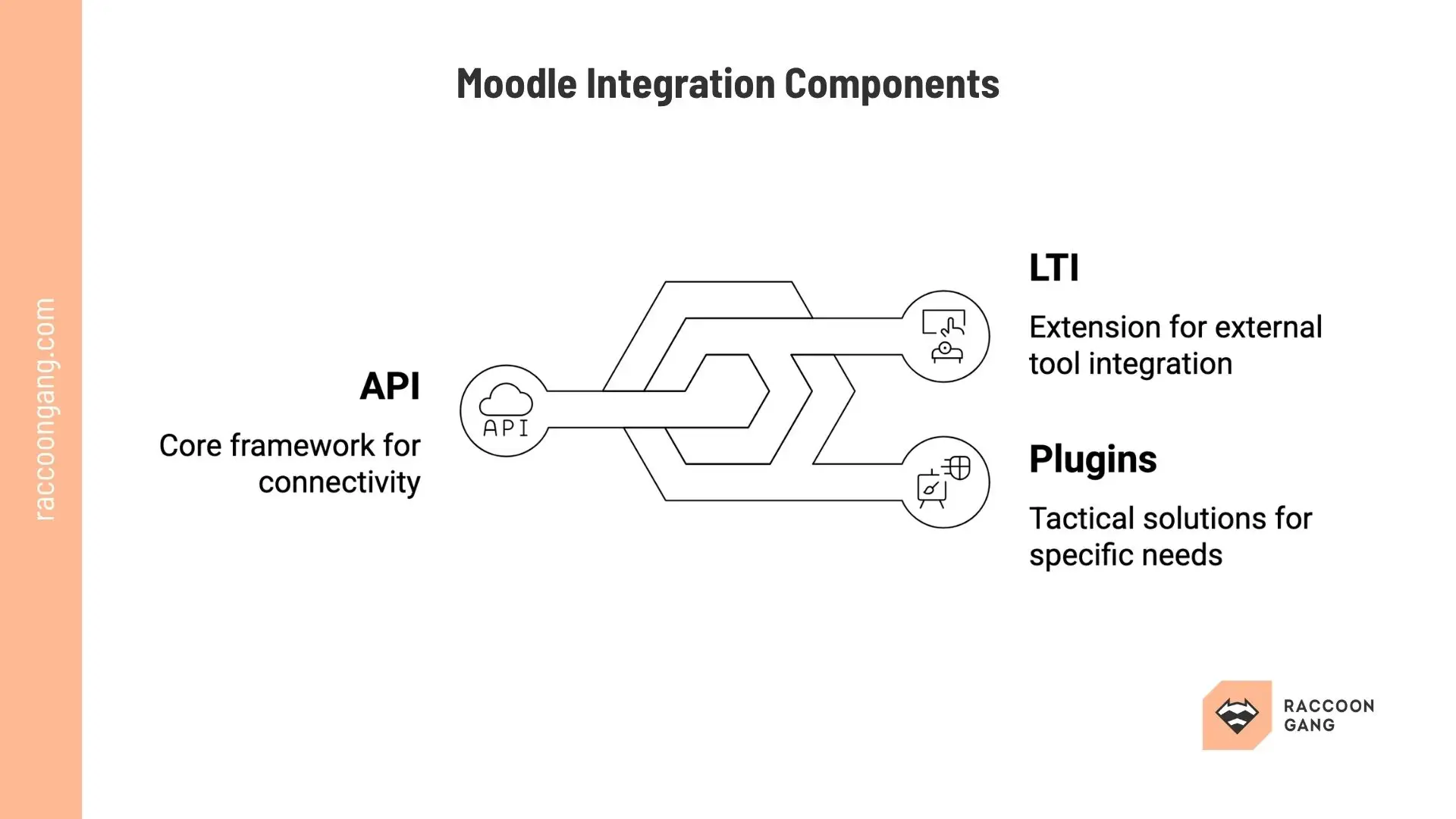
Overview of Moodle integration architecture, highlighting API connectivity, LTI-based external tools, and plugin extensions for scalable e-learning ecosystems.
What Is Moodle Integration in Practice?
Since Moodle integration allows the platform to exchange data with external systems and supports automated workflows, it would be fair to say that whether your learning operations run on manual effort or on system logic will depend on the configuration of the integrations.
Examples of basic integrations:
- User and enrollment sync
- System connections (HR, CRM, content tools)
- Process automation (onboarding, reporting, certifications)
In reality, a company can launch Moodle for onboarding and hire 50 people this month. With integration in place, users sync from HR automatically, assign roles based on job data, and courses trigger on day one. Managers open dashboards and see real progress. Without integration, HR sends spreadsheets, an admin uploads users manually, roles get misassigned, and some learners miss courses. Managers ask for updates, the admin exports and cleans reports, and the same cycle repeats next week.
Nothing breaks, yet the system creates ongoing manual work instead of removing it.
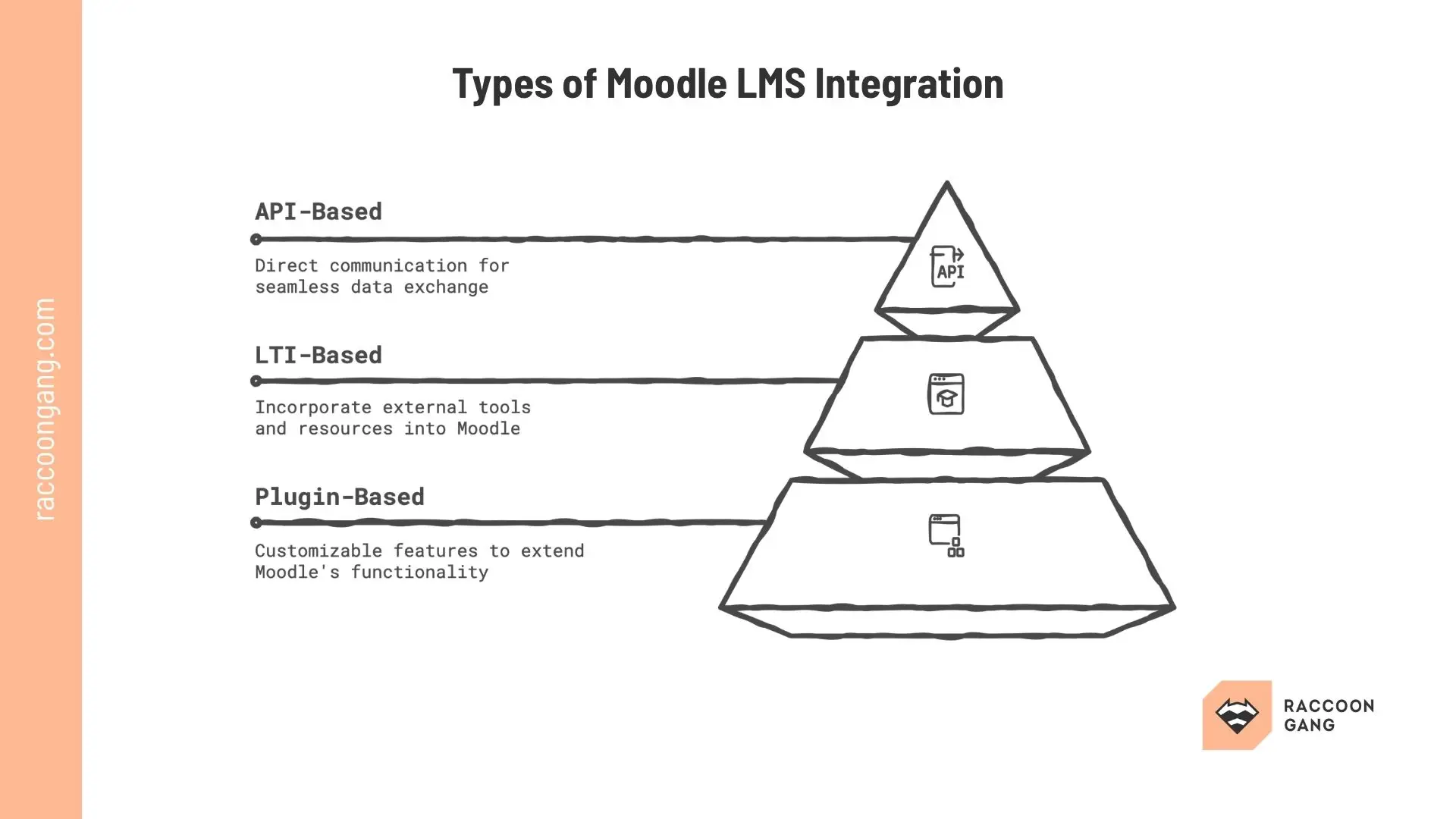
API, LTI, and plugin-based integrations solve different business needs — use APIs for complex system orchestration, LTI for rapid tool deployment, and plugins for tailored LMS functionality.
Types of Moodle LMS Integration: API, LTI, and External Systems
Let’s make a bold statement right away — not all Moodle integrations are built the same way. The approach you choose will directly affect your flexibility. It will also define the operational effort your team carries over time.
Most integration strategies fall into three categories: API-based, LTI-based, and plugin-based connections. Let’s figure out what their differences are in practice.
API-Based Integration: Full Control and Automation
Moodle API integration connects your LMS directly with external systems. These include HR platforms, CRM tools, and analytics solutions.
This approach allows you to:
- Automate user provisioning and enrollments
- Sync learning progress and performance data
- Build custom workflows across systems
In operational terms, API integration gives you full control over how data moves and how processes are executed. However, this control comes with responsibility.
API-based integrations require: development resources, ongoing maintenance, clear ownership of integration logic.
To make the story short, this approach works best for organizations that treat their LMS as part of a broader digital infrastructure. It does not fit teams that run LMS as a standalone tool.
LTI Integration in Moodle: Fast Access to External Learning Tools
LTI integration in Moodle uses the LTI standard to connect external learning tools and content providers directly into the LMS interface.
This type of integration allows organizations to:
- Embed external courses and tools inside Moodle
- Provide seamless learner access without separate logins
- Extend learning experiences without custom development
Unlike API integrations, LTI focuses on access rather than deep system synchronization. This makes it faster to implement, but also more limited in terms of control.
For example:
- Data exchange is predefined by the LTI standard
- Workflow automation is minimal
- Custom reporting and synchronization may require additional setup
LTI works well when you need to expand learning content quickly — but not when you need full integration between business systems.
Plugin-Based Integration: Speed vs Long-Term Complexity
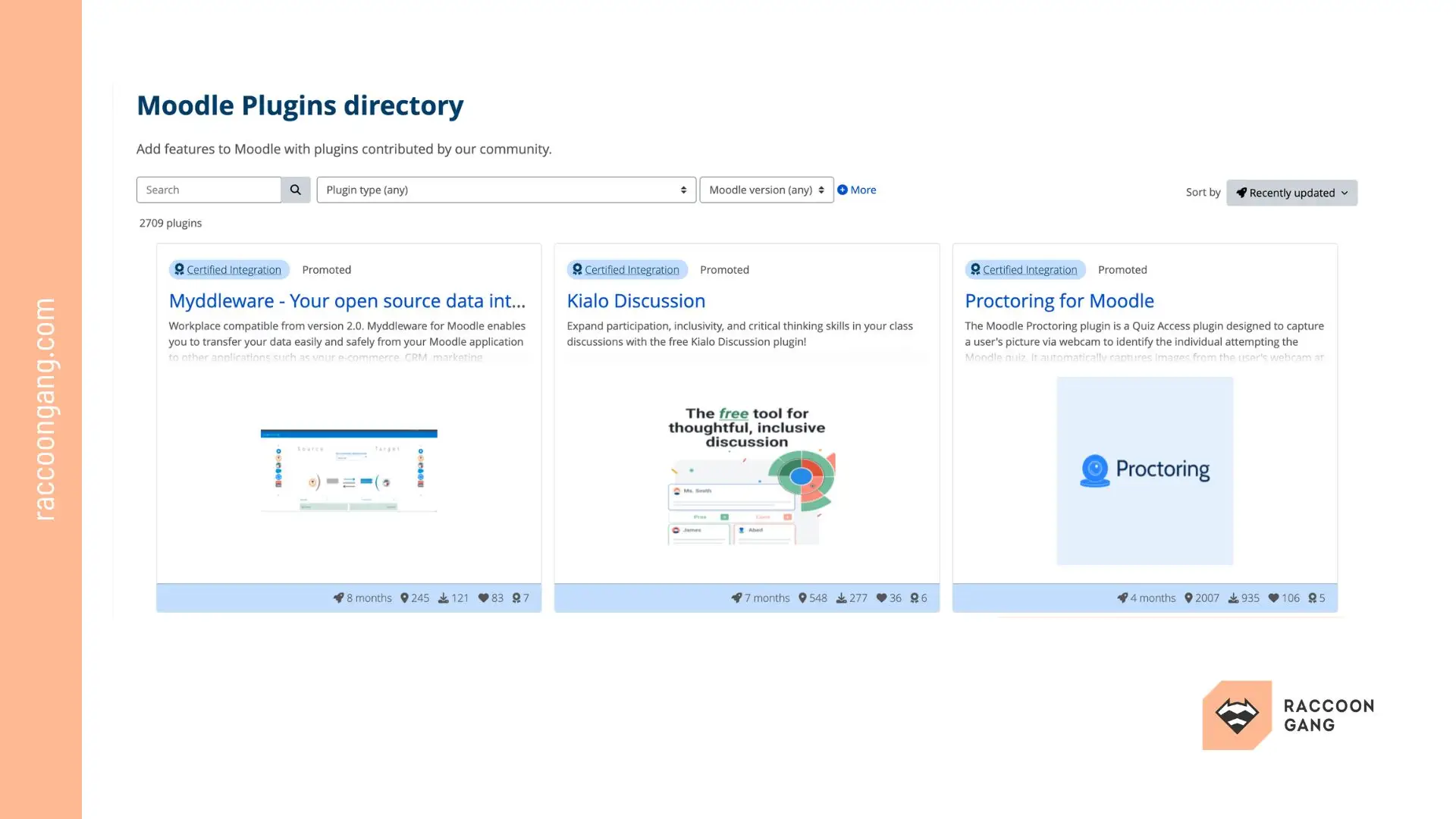
Moodle plugin-based integration relies on the existing plugin library. With the plugins you chose, you can connect the LMS with external tools or extend its functionality.
This is often the fastest way to solve specific integration needs.
Plugins can support:
- Video conferencing tools (Microsoft Teams, Zoom)
- Content libraries
- Reporting extensions
- Payment systems
Regardless, plugin-based integrations introduce a different type of risk.
Each plugin adds:
- Dependency on third-party code
- Potential compatibility issues during upgrades
- Additional maintenance overhead
At small scale, this approach works well. At enterprise scale, an uncontrolled plugin stack can become difficult to manage. Plugins are best used as targeted solutions — not as the foundation of your integration architecture.
API vs LTI vs Plugin-Based Integration
As a Moodle advisor, we’ll keep it simple — these approaches are not interchangeable. Each one gives you a different level of control, scalability, and operational effort.
| Dimension | API Integration | LTI Integration | Plugin-Based Integration |
| Core Purpose | Full system integration | External tool access | Extend functionality quickly |
| Implementation Speed | Slow (custom development) | Fast | Fast |
| Level of Control | High | Limited | Medium |
| Data Synchronization | Full (custom logic) | Limited (standardized) | Depends on plugin |
| Workflow Automation | Extensive | Minimal | Limited |
| Technical Requirements | High (developers needed) | Low to medium | Low to medium |
| Maintenance Effort | High but controlled | Low | Can grow over time |
| Scalability | High (if well-designed) | Moderate | Risk increases with scale |
| Dependency Risk | Internal (you own it) | External (tool provider) | External (plugin ecosystem) |
| Best Fit | Complex enterprise systems | Content and tool integration | Quick solutions and extensions |
* In practice, most organizations use a mix of them. Your goal is to combine them without creating extra complexity for your team.
Moodle LMS Third-party Tools Integration: Use Cases and Limitations
Moodle LMS third-party tools integration starts when standard LMS functionality no longer supports business needs. At this point, Moodle LMS integration shifts from platform setup to ecosystem design.
Common Types of Third-Party Tools
- Authoring tools for course creation
- Assessment platforms for certifications and proctoring
- Video tools for live and recorded sessions
- Payment systems for monetization
- CRM systems
Each integration introduces its own logic that your team needs to manage. Data models differ across systems. APIs change. Vendors update their products. What worked during setup may require adjustments a few months later.
Over time, this creates a different kind of challenge. Not technical, but organizational. Who owns each integration? Who monitors failures? Who updates connections when systems evolve? Without clear ownership, even small issues start to accumulate and affect day-to-day operations.
This is where many Moodle LMS setups reach a limit. The problem is not the number of tools. It is the lack of control over how they interact. The goal is to build a system where integrations remain predictable as the ecosystem grows.
Common Challenges in Moodle Integration
Moodle LMS integration introduces risks that usually appear after the system starts to scale. At this stage, integration stops being a technical task and becomes an architectural decision. The way you connect systems will define how stable your platform remains over time.
Moodle API integration can be another type of pressure. Every custom logic will require ongoing support. This has been proven many times in practice: over time, APIs change and Data structures evolve.
More integrations = more coordination.
It also introduces data consistency issues. Sync delays and mismatched records can affect enrollments and reporting accuracy.
LTI integration with Moodle reduces development effort, yet makes you dependent on external vendors (availability, data access limits). The larger your network of integrations becomes, the more critical things like uptime or timely data handling will be for you. If the tool or pricing changes, your setup must adapt.
More tools = more dependency.
At the same time, error handling becomes harder to manage. When something fails, teams often lack clear visibility into where the issue occurred.
Upgrades add another layer of complexity. Each Moodle release requires validation across plugins, APIs, and external tools.
These challenges are not isolated issues. They reflect how the integration architecture is designed.
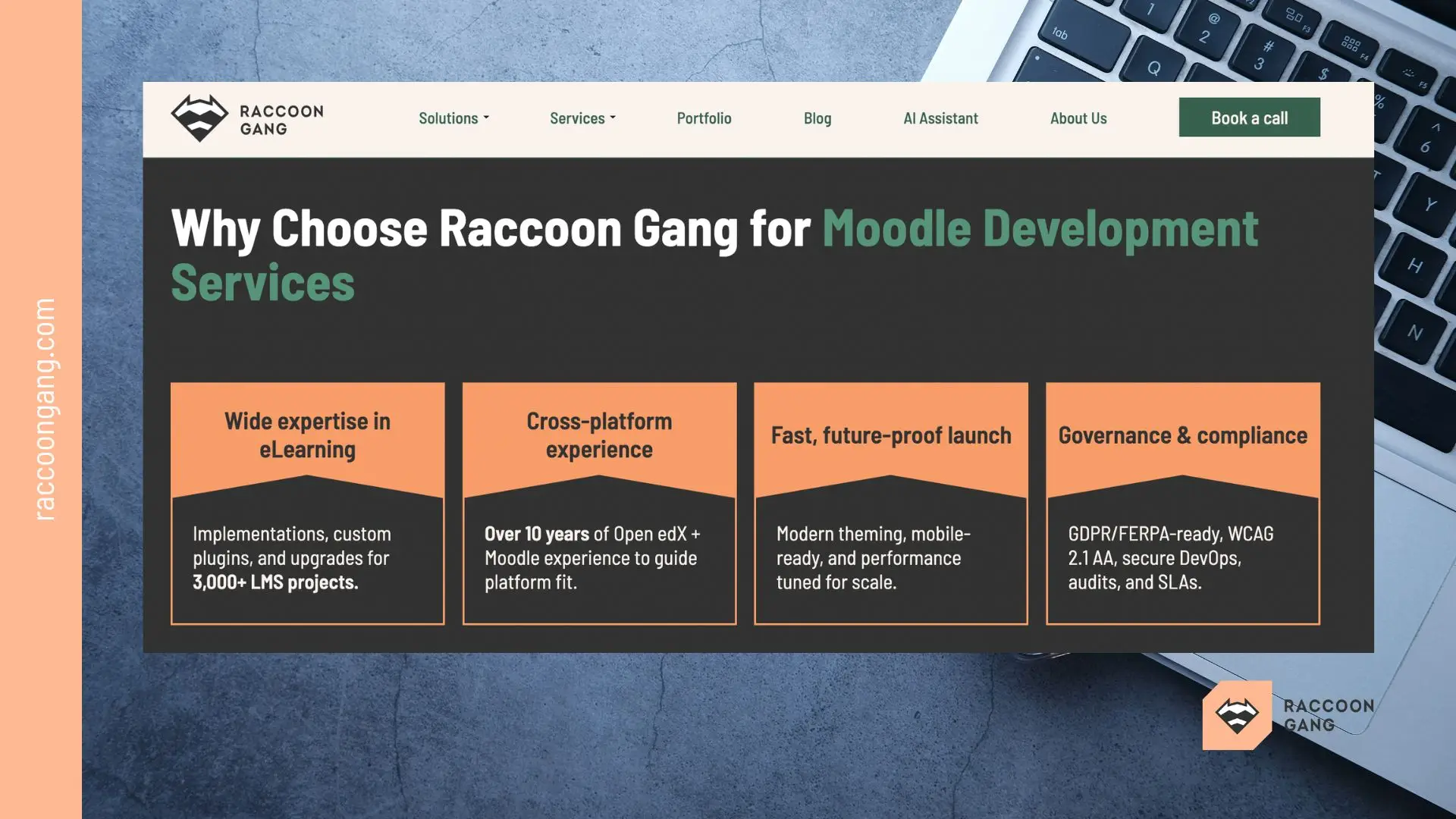
How Raccoon Gang Supports Moodle LMS Integration
Moodle LMS integration often reaches a point where teams need external perspective. Not because tools are missing, but because decisions start to impact operations and growth.
At Raccoon Gang, we find what creates unnecessary load for your team and resolve it. As part of our Moodle integration services, we review how your integrations actually behave in practice. This includes API connections, LTI tools, and Moodle plugin usage. We look at how these elements interact and where friction occurs.
Customers usually come to us with specific situations:
- Growing number of integrations that are hard to manage.
- Reporting that no longer reflects reality.
- Uncertainty about how to extend the platform without breaking existing workflows.
We support across these scenarios. From reviewing your current setup to defining a clear integration approach that fits your systems and team capacity.
Conclusion
Undoubtedly, Moodle LMS integration defines how learning actually runs inside your organization, but in parallel with this, it sets the rules for how data moves and how teams operate day to day.
API, LTI, and Moodle plugin approaches solve different tasks. Each comes with its own level of control and dependency. Treat them as the same, and data misaligns. Workflows break. Teams step in to fix it manually.
As you can see, strong Moodle LMS integration comes from design, not plugin accumulation. Each connection should support a clear process and remain manageable as the system grows.
Implementation may become less important. Stability never. As more systems connect, coordination increases, and small gaps turn into operational issues.
The real decision is not how to integrate Moodle. It is how to keep your learning infrastructure predictable, scalable, and aligned with business operations.
FAQ
What is Moodle integration?
Moodle integration defines how the platform connects with other systems. It controls data flow. Without it, teams work manually.
How does LTI integration work in Moodle?
LTI runs external tools inside Moodle. Users don’t log in twice. Setup is quick. Control is limited.
What is the LTI standard?
The LTI standard defines how tools connect to Moodle. It handles login and basic data exchange. It doesn’t support deeper automation.
Can Moodle integrate with third-party tools?
Yes. Moodle connects with content, video, and business tools. Most setups mix APIs, LTI, and plugins.
Do I need a developer for Moodle API integration?
Usually, yes. API integration needs custom logic and support. Without it, integrations break over time.