







Canvas vs Moodle is not really a question about features. Both platforms handle course delivery, assessments, grading, and communication. The real question is about ownership, flexibility, and what happens when the platform needs to do something it was not originally designed to do. That is where the two diverge, and where the decision actually lives.
This guide treats the Moodle vs Сanvas LMS comparison as a strategic question. The right answer depends on how the organization is structured, what the technical capacity looks like, and how much platform flexibility will matter over a five-year horizon.
TL;DR
- Canvas is a SaaS LMS by Instructure — fast to deploy, clean interface, strong in North American higher education.
- Moodle is an open-source platform — free to license, deeply customizable, dominant in Europe and Latin America.
- Canvas leads on usability and speed of deployment; Moodle leads on customization depth and total cost of ownership at scale.
- The decision turns on one question: do you want to configure a platform, or own one?
- Raccoon Gang works with both, and with Open edX for organizations that need something neither delivers.
What Is Moodle LMS?
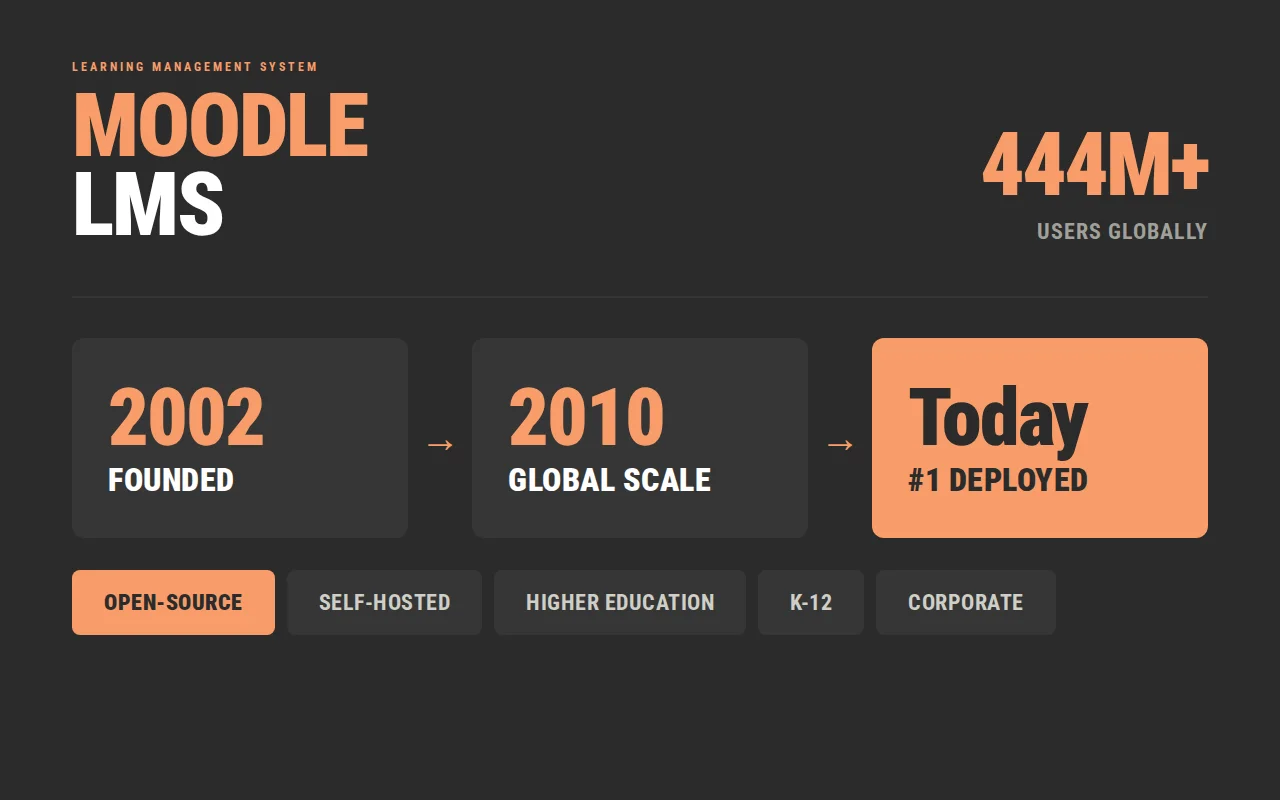
Moodle started in 2002 when Martin Dougiamas built the first version with one clear intention: education should not be locked inside proprietary systems. That philosophy is still visible today. Any organization can download this open-source platform, run it on their own servers, modify the source code, and build on top of it without paying licensing fees.
Over 444 million users access Moodle-powered environments globally — the most widely deployed customizable LMS in the world by installation count. It is used across higher education, K-12, and corporate training. The trade-off is infrastructure: someone has to manage the servers, handle updates, and maintain the environment. For organizations with technical capacity that is manageable. For organizations without an in-house technical team, working with an experienced implementation partner covers that gap cleanly. The Moodle pricing guide covers what that looks like in practice.
What Is Canvas LMS?
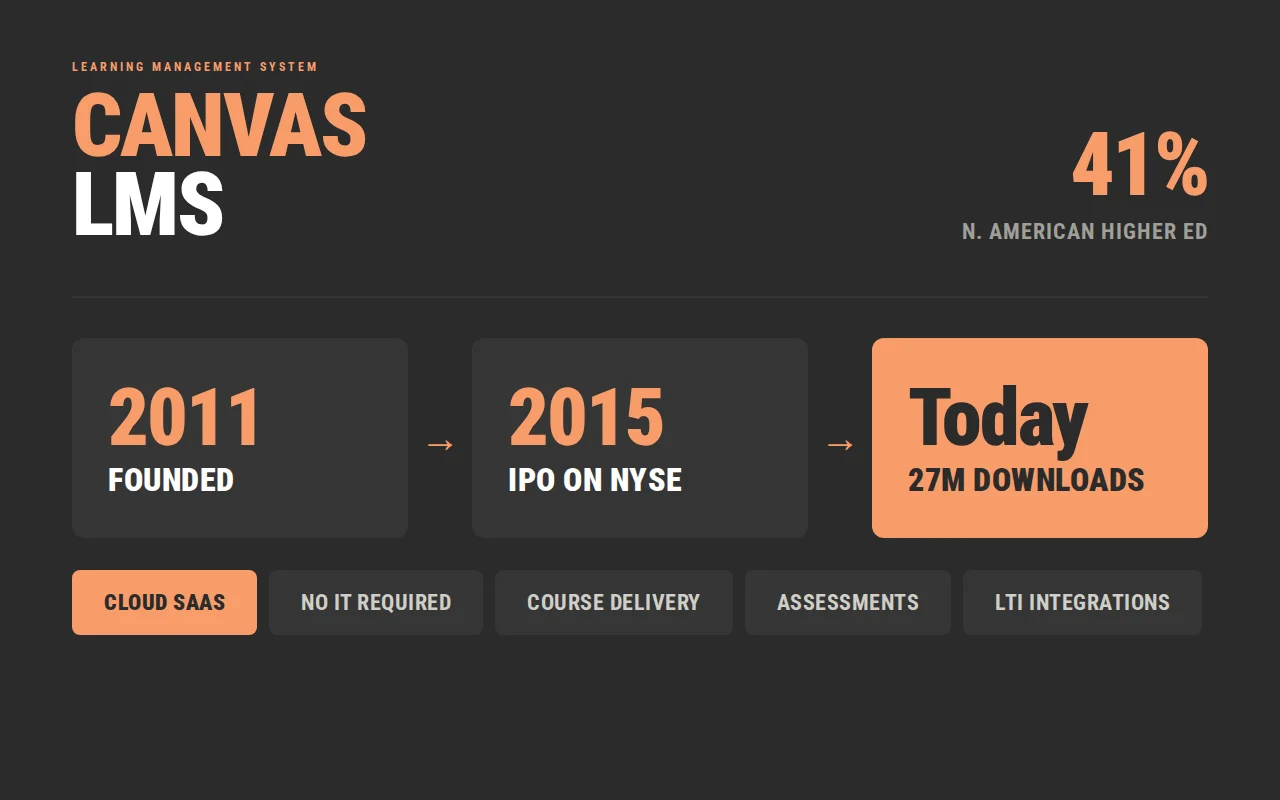
Canvas LMS launched in 2011, built by Instructure with a clear bet: most institutions do not want to manage infrastructure, and a well-designed SaaS LMS architecture would win on usability.
Canvas now holds 41% of the North American higher education market among learning management platforms. As a cloud-based LMS ecosystem, it runs entirely on Instructure’s infrastructure — updates, security, and uptime are the vendor’s responsibility. The institution manages content and configuration within the parameters the platform provides. For organizations without large IT teams, that model removes a significant operational burden.
For a deeper overview, see our Canvas LMS guide.
Canvas vs Moodle: Feature Comparison
The table below covers nine categories where Canvas and Moodle are most frequently compared.
| Feature | Canvas | Moodle |
| User Interface | Modern, intuitive, low learning curve | Functional, highly customizable, steeper initial setup |
| Course Management | Module-based, structured, instructor-friendly | Flexible course formats, deeper configuration options |
| Assessment Tools | Built-in quizzes, SpeedGrader, outcomes tracking | Advanced grading, rubrics, question bank, competency tracking |
| Reporting | Standard dashboards, Impact add-on for advanced data | Built-in reporting, custom report builder, extensive analytics |
| Mobile Access | Strong native apps for students and instructors | Moodle mobile app, functional with more limited UI refinement |
| Integration Ecosystem | 1,000+ LTI tools, REST API | Plugin marketplace with 1,800+ extensions, full API access |
| Analytics | Course-level by default, advanced requires add-on | More granular out of the box, customizable with plugins |
| Compliance Tracking | Standard completion tracking, advanced via add-ons | Strong compliance features, certifications, competency frameworks |
| Customization | Theming and configuration within platform parameters | Full source code access, unlimited customization |
The Canvas LMS vs Moodle picture is consistent across these categories. Canvas delivers a polished, reliable experience within defined boundaries. Moodle delivers more raw capability at the cost of more configuration work.
Moodle vs Canvas: Customization and Flexibility
Customization is where the two platforms part ways most visibly — and where the wrong assumption early in the evaluation creates the most problems later.
Moodle: full ownership
Moodle is built around the idea that the organization should own its learning environment completely. Full source code access means developers can change how the platform behaves, not just how it looks. The plugin ecosystem adds over 1,800 extensions covering content formats, assessment types, reporting, and integrations. For organizations that need a genuinely customizable LMS shaped around specific workflows or pedagogical requirements, Moodle’s open-source foundation is a real advantage.
Canvas: stable within defined limits
Canvas offers meaningful configuration — theming, branding, sub-account structures, API integrations. The core platform behavior is set by Instructure, which means Canvas provides a stable, well-maintained product that does not require ongoing technical intervention. For teams that want the platform to handle itself while they focus on content and delivery, that is a reasonable trade.
The decision comes down to how the organization actually operates — technical capacity, internal development resources, and how specific the learning program requirements are. Those factors matter more than any feature comparison.
Moodle vs Canvas for Course Development
Course development workflows look meaningfully different on the two platforms — and the difference matters for the teams who build online courses every day.
On Canvas
The experience is guided and predictable. The module structure is intuitive, the publishing workflow is clear, and instructors can typically build a functional course without prior LMS experience. Built-in content editing, assignment builders, and quiz tools cover most standard course development needs without requiring additional tools or technical knowledge.
On Moodle
The experience is built for depth. Several course formats are supported — weekly, topic-based, social, and others. Conditional activities allow sophisticated branching logic. The question bank is more robust. Competency frameworks can be woven directly into the course structure in ways that give instructional designers significant control over how learners move through content. The trade-off is more setup time and a longer onboarding curve.
Which fits better
For organizations producing high volumes of standard online courses, Canvas’s guided approach works well. For those building specialized learning experiences — adaptive pathways, competency-based programs, or courses with complex assessment logic — Moodle’s course development capabilities offer the right level of control. For a deeper look at what course development looks like in practice, see our LMS basics guide.
Canvas vs Moodle: How to Choose the Best LMS
The feature comparison tells you what each platform can do. This section is about something different — which context each platform was built for, and how to recognize which one you are in.
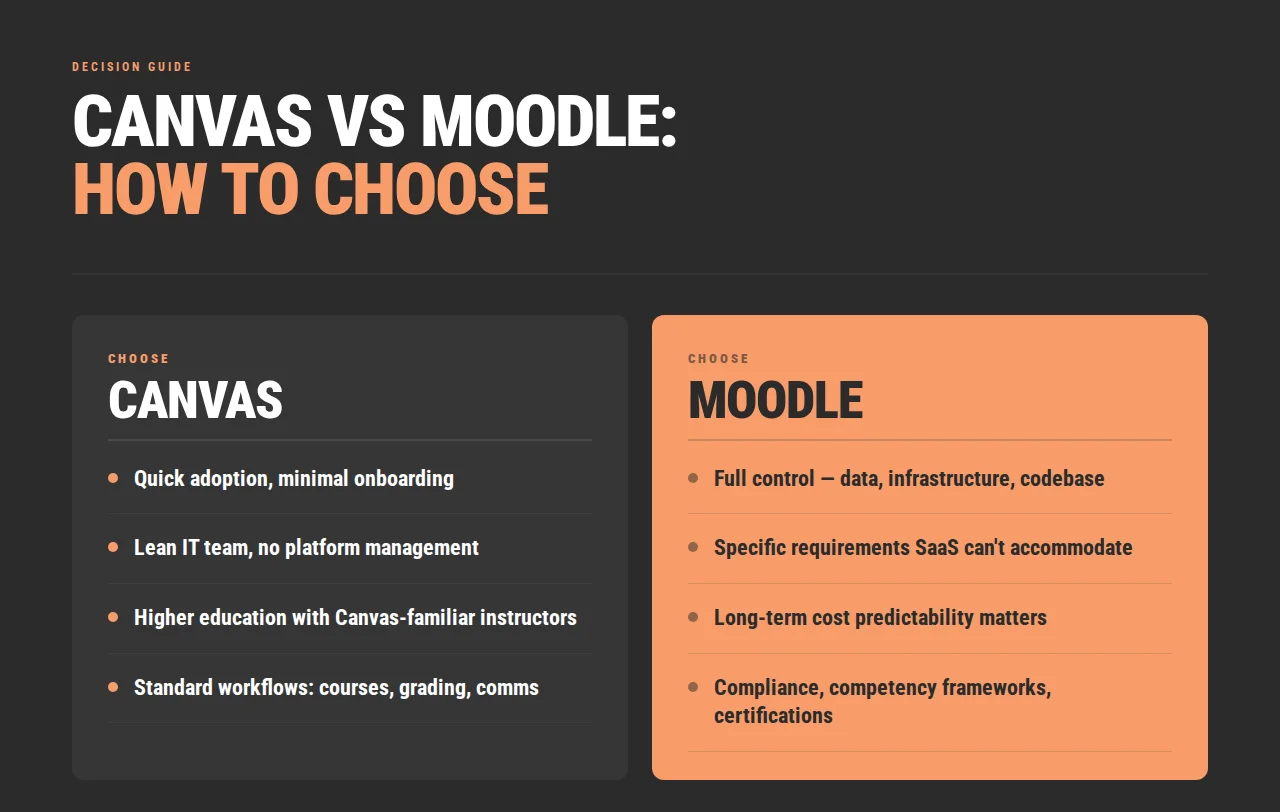
Choose Canvas if:
- The priority is getting people using the platform quickly, with minimal onboarding.
- The IT team is lean and ongoing platform management is not something the organization wants to own.
- The institution is in higher education and the peer network, shared resources, and Canvas-familiar instructors matter.
- Standard learning workflows — courses, assignments, grading, communication — cover most of what the program needs to do.
Choose Moodle if:
- The organization wants full control over the platform — the data, the infrastructure, the codebase.
- The learning program has specific requirements that standard SaaS configuration cannot accommodate.
- Long-term cost predictability matters and licensing fees over a five-year horizon are a real factor.
- Compliance workflows, competency frameworks, or certification logic are central to the program design.
If neither list fits cleanly, that is useful information too. It usually means the requirements point toward something more configurable — and that is a conversation worth having before a platform is selected.
When Organizations Choose Alternatives
Canvas and Moodle cover a wide range of use cases — but not all of them. Some organizations find during the evaluation that neither platform fits cleanly with what they need.
This is not uncommon. Learning programs grow, compliance requirements change, and what worked at 500 users looks different at 50,000. When the requirements outgrow what either platform provides natively, the evaluation should extend beyond the two.
Open edX LMS sits in a different position in the market. It is open-source like Moodle, built for scale, and designed with modern architecture that supports advanced learning experiences. Organizations that need full code access, flexible content delivery, and a platform that can be customized without accumulating years of technical debt tend to find Open edX a strong fit. Raccoon Gang works with Open edX alongside Canvas and Moodle — it is part of our portfolio because it genuinely fills gaps that the other two do not.
Custom LMS development is the right answer for a smaller number of organizations — those with learning requirements specific enough that no existing platform handles them well, and with the budget and timeline to build something properly rather than work around a platform’s constraints indefinitely.
For a broader look at what the alternatives landscape looks like, see our top Canvas alternatives guide.
How Raccoon Gang Helps Organizations Select LMS Platforms
Most organizations approach LMS selection by comparing platforms. The more useful starting point is mapping requirements — what the learning program actually needs to do — and letting that drive the platform conversation rather than the other way around.
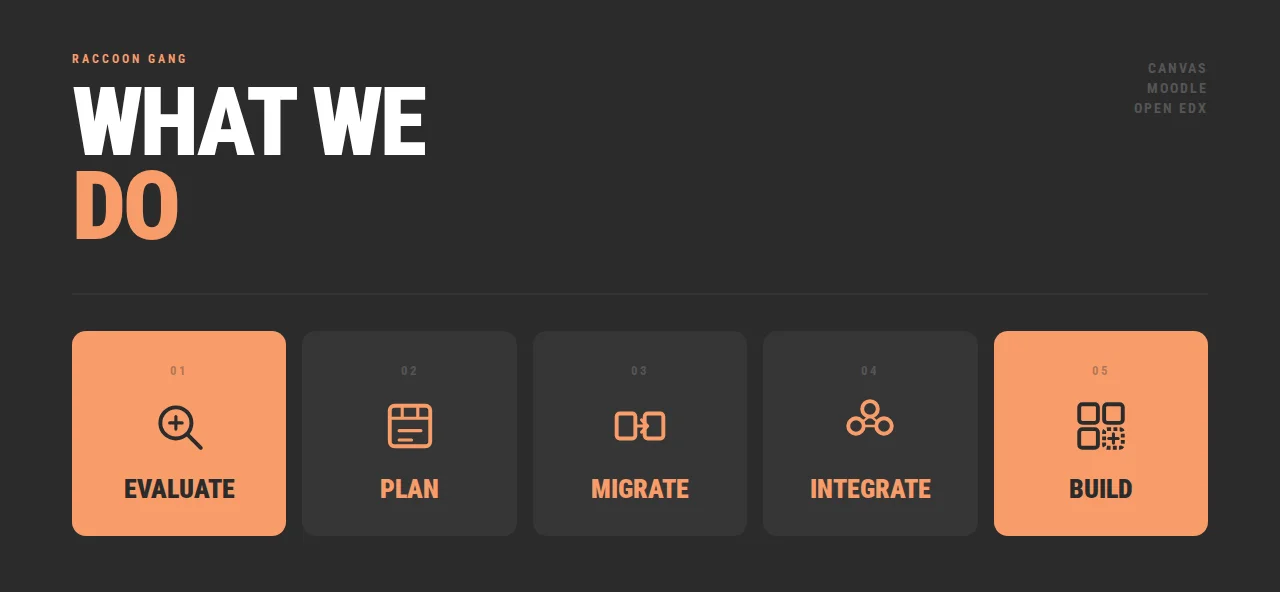
Raccoon Gang works across Canvas, Moodle, and Open edX, which means our team evaluates options based on fit rather than preference. Canvas, Moodle, and Open edX are all in our portfolio for the same reason: different organizations have different needs, and recommending a single platform regardless of context is not useful advice.
- LMS evaluation. Before a platform is selected, our team assesses what the current environment looks like, what the requirements are, and where the gaps between requirements and platform capabilities will appear. That conversation changes what gets decided → LMS Consulting Services
- Platform architecture planning. Selecting a platform is the beginning of a technical project. We help organizations plan how the platform will be deployed, integrated with existing systems, and maintained over time.
- Migrations. Moving from one LMS to another — whether from Moodle to Canvas, Canvas to Open edX, or any other direction — involves content migration, integration re-work, and user transition management. We have done enough of these to know where the surprises are → Open edX Migration Services
- Integrations. Both Canvas and Moodle connect to external systems, but the integration work varies significantly by platform and environment. We plan and build integrations that work in practice, not just in demos.
- Custom LMS development. For organizations whose requirements go beyond what existing platforms provide, our team designs and builds on Open edX — a platform we can customize, host, and support without vendor dependency → Custom LMS Development Services
We’ve run this evaluation for organizations that landed on Canvas, on Moodle, and on Open edX — and for a few that started with one and migrated to another once their requirements became clearer. Our Canvas Services and Moodle Services teams work from the same evaluation framework, so the platform recommendation comes from your requirements — not from which team picks up the project.
Conclusion
Canvas vs Moodle is ultimately a question about long-term learning strategy. Flexibility needs, governance requirements, and integration ecosystem all point in different directions depending on the organization. Both platforms deliver — the difference is which one delivers for your specific context.
FAQ
What is the difference between Moodle and Canvas LMS?
The core difference is architecture. Moodle is open-source — free to download, modify, and self-host, with full code access and a plugin ecosystem of 1,800+ extensions. Canvas is a commercial SaaS platform — hosted by Instructure, updated on their schedule, and customizable within defined limits. Both handle course delivery well, but differ in how much control the organization retains.
Is Canvas better than Moodle?
It depends on the context. Canvas fits organizations that want fast deployment, clean usability, and minimal technical overhead. Moodle fits those that need deep customization, full data ownership, or lower long-term cost. Neither is universally better — it’s about fit.
Which LMS is better for higher education?
In North American higher education, Canvas holds 41% market share, while in Europe Moodle holds around 25%. Both work well — Canvas often wins on adoption speed, Moodle on flexibility and control.
Which LMS is better for corporate training?
Canvas works well for standard corporate training — onboarding, compliance, and structured learning. Moodle (especially Moodle Workplace) suits more complex needs like certifications, multi-tenancy, and HR integrations. Open edX is also worth evaluating for advanced enterprise scenarios.
How do you choose the best learning management system?
Start with requirements, not platforms. Define learning needs, technical capacity, long-term budget, and acceptable vendor dependency. Then evaluate platforms against those criteria — skipping this step often leads to re-evaluation later.
Should I hire a vendor to implement Canvas or Moodle, or do it in-house?
Both platforms can be self-managed, but implementation quality varies significantly with experience. Canvas setup involves sub-account architecture, LTI integrations, and SIS connections that are easy to get wrong on a first attempt. Moodle requires server management, plugin selection, and theming decisions that affect long-term maintainability. Organizations without in-house LMS experience typically get faster, more stable results working with an implementation partner — Raccoon Gang works across both platforms and can scope an implementation in a single call.



- TL;DR
- What Is Moodle LMS?
- What Is Canvas LMS?
- Canvas vs Moodle: Feature Comparison
- Moodle vs Canvas: Customization and Flexibility
- Moodle vs Canvas for Course Development
- Canvas vs Moodle: How to Choose the Best LMS
- When Organizations Choose Alternatives
- How Raccoon Gang Helps Organizations Select LMS Platforms
- Conclusion
