







K-12 LMS for Schools covers a specific set of requirements around student data privacy, parent engagement, and district-level management that general-purpose platforms aren’t always built to handle.
Why K-12 Schools Need a Dedicated LMS
U.S. schools operate under FERPA, which governs how student records get stored, accessed, and shared. For students under 13, COPPA adds requirements around data collection and parental consent that most general LMS platforms weren’t configured to meet. A lot of districts find this out during an audit or after a parent complaint. On top of that, K-12 deployments involve people that most platforms treat as secondary: parents tracking their child’s progress, and IT administrators coordinating the same setup across dozens of schools simultaneously. The requirements look quite different from a higher education LMS deployment.
K-12 vs Higher Education LMS — Key Differences
University students pick their own courses and manage their own schedules. K-12 runs differently: attendance is tracked, content goes through age filters, and parents are part of the communication loop. District-wide consistency across classrooms adds coordination requirements that higher ed tools were never designed to handle.
FERPA, COPPA, and Student Data Privacy Requirements
Vendor compliance pages are a starting point. Districts should go further — ask where student data is stored, what triggers a breach notification, and how the platform handles parental consent for connected third-party tools. FERPA covers record access and disclosure. COPPA covers collection and consent for children under 13. Getting clear answers on both before signing anything saves a lot of friction later.
Our K-12 Learning Management System solutions are designed to support your institution every step of the way.
What Is an Open Source LMS for K-12 Schools?
When you decide to move with open-source software, from how it’s hosted to how it supports teaching and learning, you make all the decisions yourself because you have the code at your disposal, which you can customize to fit your instructional, administrative, and reporting needs.
“Two-thirds of students in Grades 6 to 12 already use digital tools for computer classes, but only 1 in 10 do so in English — showing a clear gap and opportunity for schools to expand online learning across subjects.”
In practice, an open-source learning management system allows districts to:
- Align the LMS with their grading policies, teaching schedules, and course structures
- Integrate with student information systems (SIS), assessment tools, or state reporting platforms
- Build in support for personalized learning plans, IEPs, or district-specific content standards
- Adjust user roles and permissions to match the workflows of teachers, principals, and IT staff
With a custom LMS platform, schools are not limited by preset features or locked into expensive licensing. They can pilot new learning models, add local language support, or expand access across devices — all without waiting for vendor updates. Open source also supports long-term planning: the platform can grow with the district, support new grades, and meet changing compliance needs.
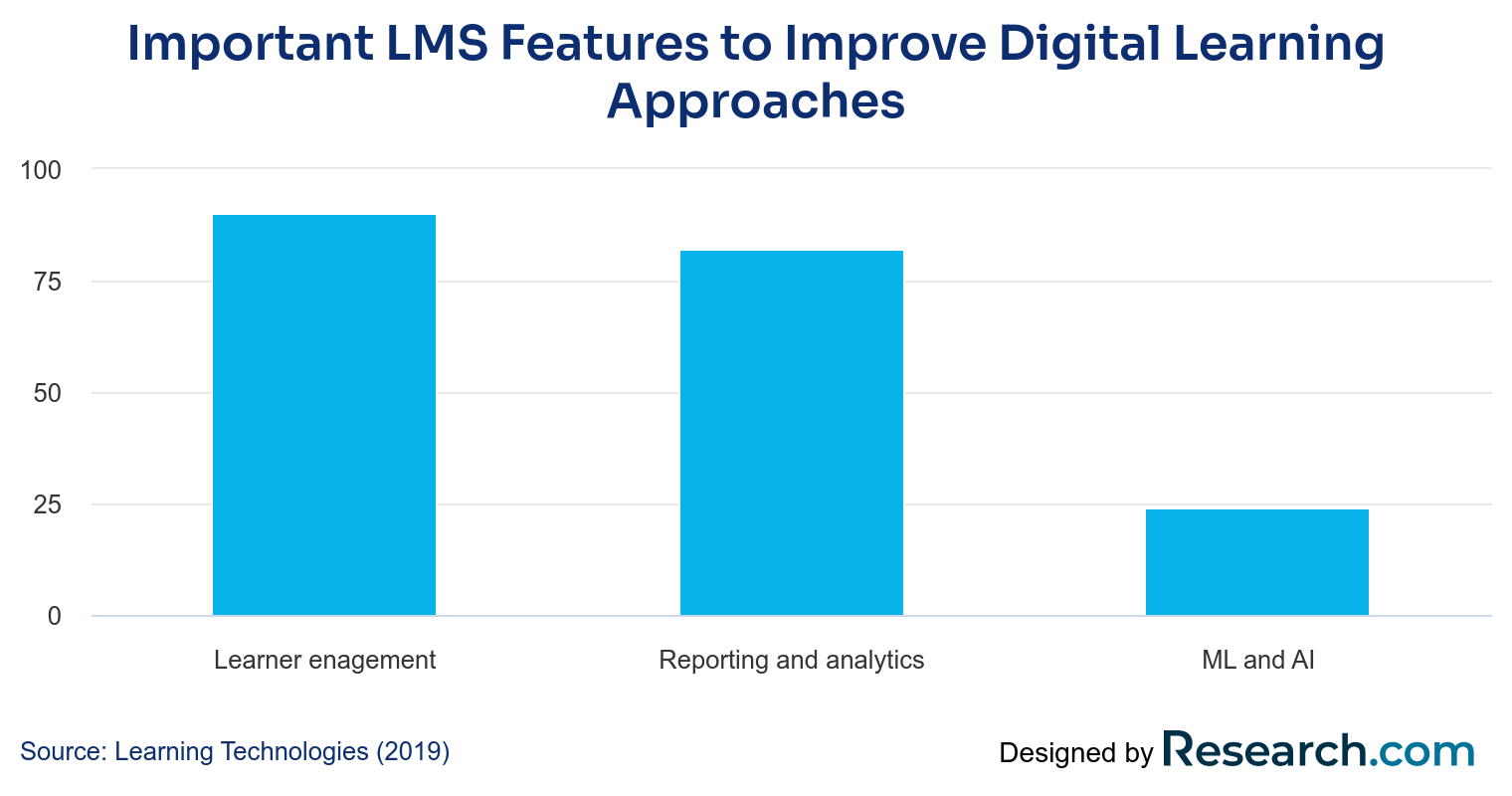
Middle and high school students lead in digital tool usage, with over 60% adoption, highlighting the growing need for scalable LMS solutions in secondary education.
Best K-12 LMS Platform in 2026
When we talk about the best LMS for schools, certain features matter most. These platforms need to deliver content effectively. They must also support student engagement. An LMS for K-12 schools should offer enough flexibility for customization.
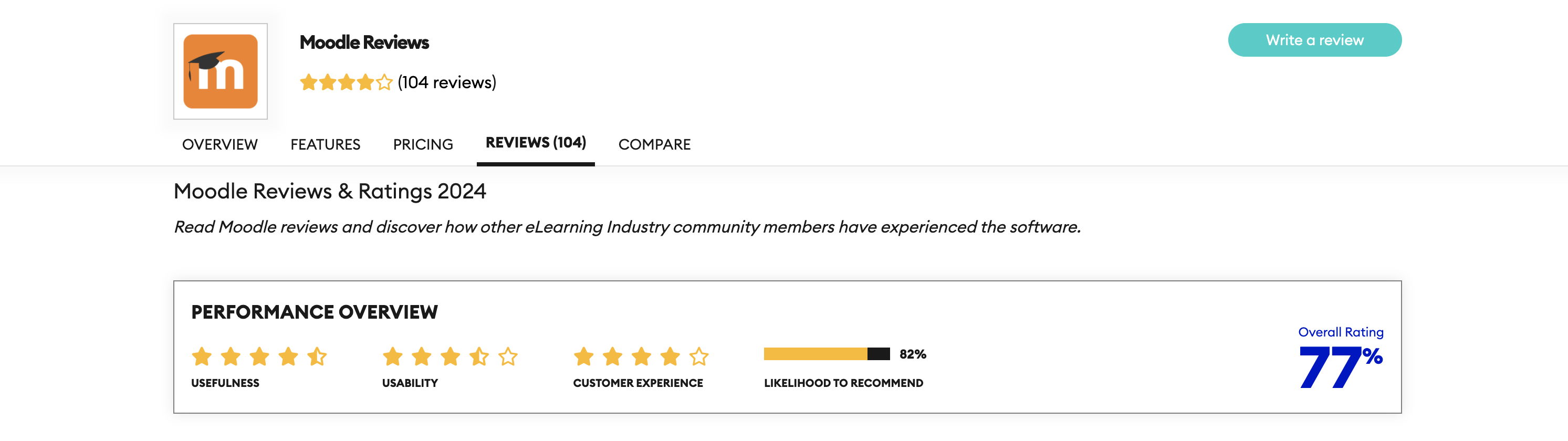
Moodle
Let’s start our list of online learning platforms for schools with Moodle. The platform combines features and flexibility very well.
Moreover, Moodle includes advanced course management tools, assessment modules, and integration options. Schools can create a custom LMS setup that aligns with their academic calendar and teaching structure.
Pros
- Highly customizable
- Strong global community support
- Scalable for small and large districts
Cons
- Setup may require technical expertise
- Interface can be complex for new users
Best for
Districts with internal IT support that need deep customization and a large plugin ecosystem.
Canvas
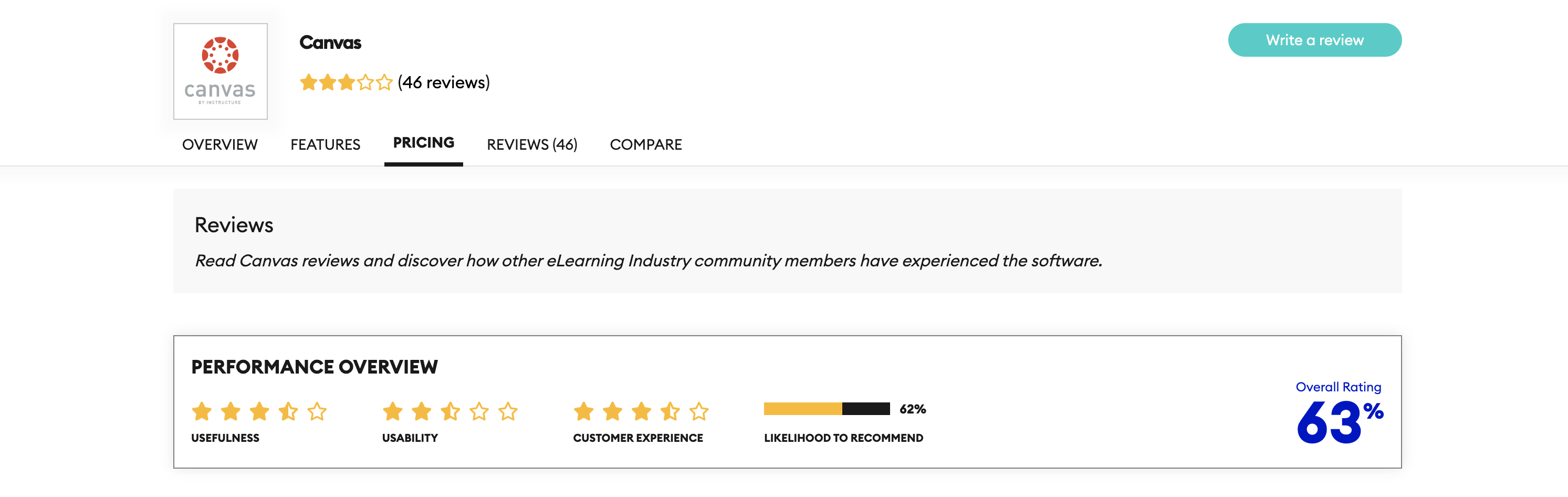
The next option for the classroom LMS is Canvas. The Canvas platform offers rapid adoption and supports both collaboration tools and mobile access — a significant advantage, given how much K–12 students rely on mobile devices.
Upsides
- Easy to learn and use
- Works well on mobile devices
- Good tools for student-teacher interaction
Downsides
- Fewer customization options than other open-source LMSs
- Limited control over updates and new features
Best for
Schools that prioritize ease of adoption and mobile-friendly access for students and teachers.
Sakai
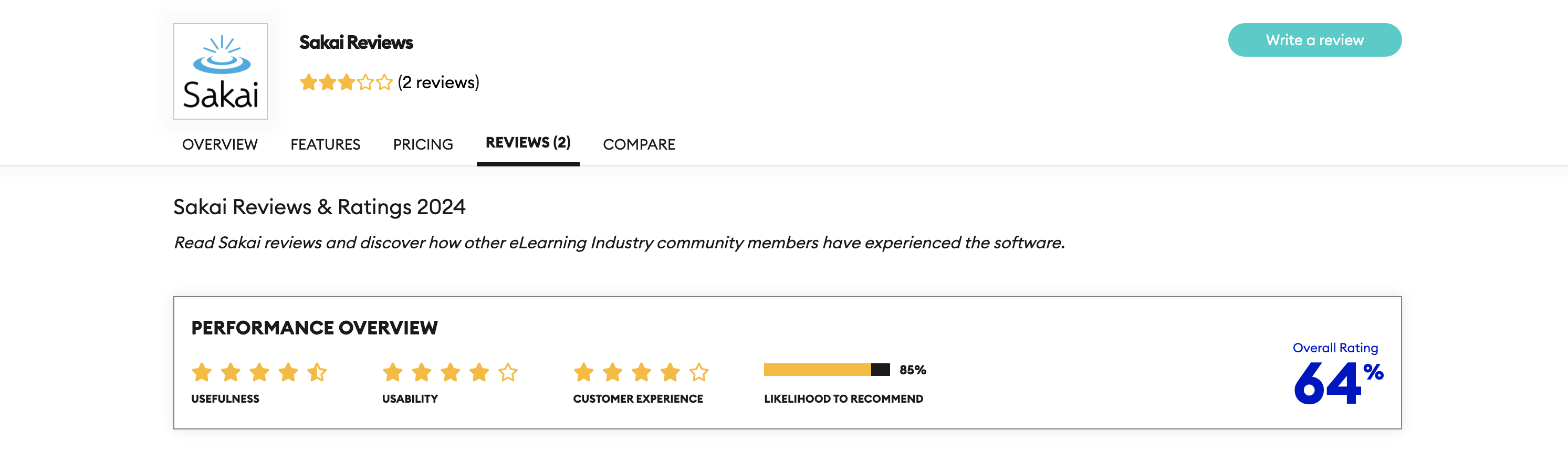
Sakai offers an open architecture that supports a wide range of teaching models. It’s a solid LMS system for schools with internal IT support. Its strength lies in its tools for assignments, quizzes, grading, and communication. It can be integrated with other edtech tools for schools.
Strengths
- Fully open-source and customizable
- Built-in tools for collaboration
- Support for institutional policies
Weaknesses
- May require ongoing technical support
- Updates and plugins can be harder to manage
Chamilo: Simplified LMS Software for Schools
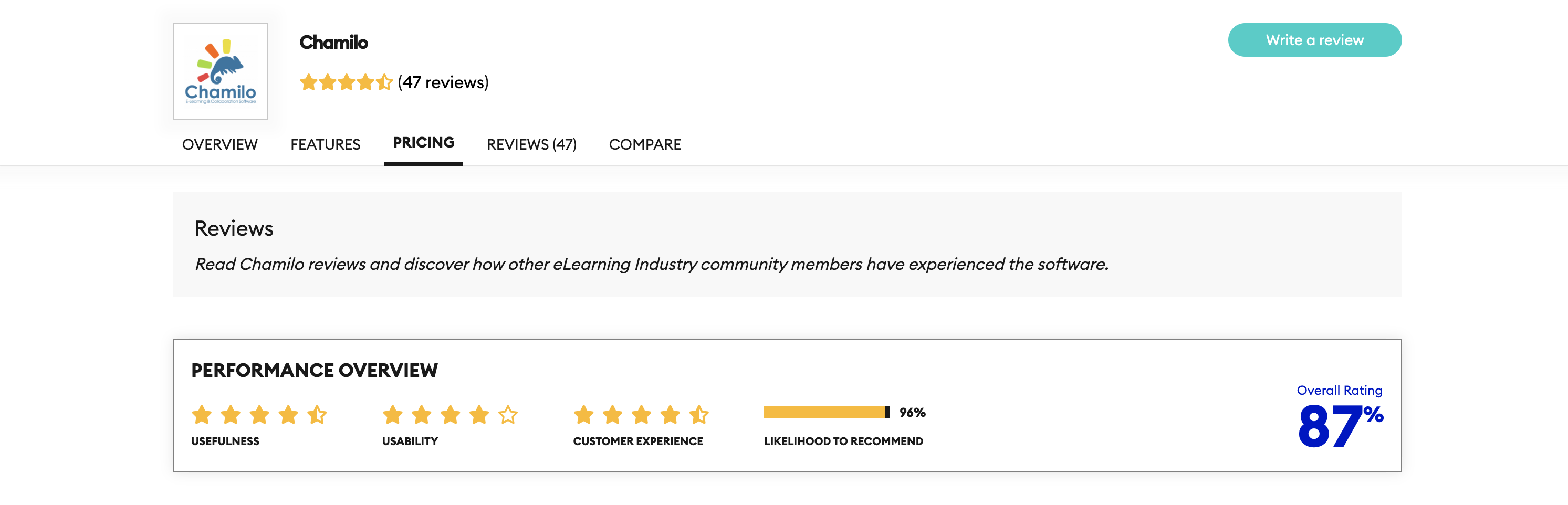
Chamilo is designed for ease of use, especially in schools that need quick setup with minimal technical input. The platform supports course creation, video content, quizzes, and tracking. Its simple interface is a good match for schools with fewer IT resources.
Pros
- Fast and easy setup
- Intuitive interface
- Low system requirements
Cons
- Limited advanced features
- Less support for large-scale use
Best for
Schools with limited IT resources that need a fast, straightforward setup.
Open edX® Platform: A Scalable K12 learning management system
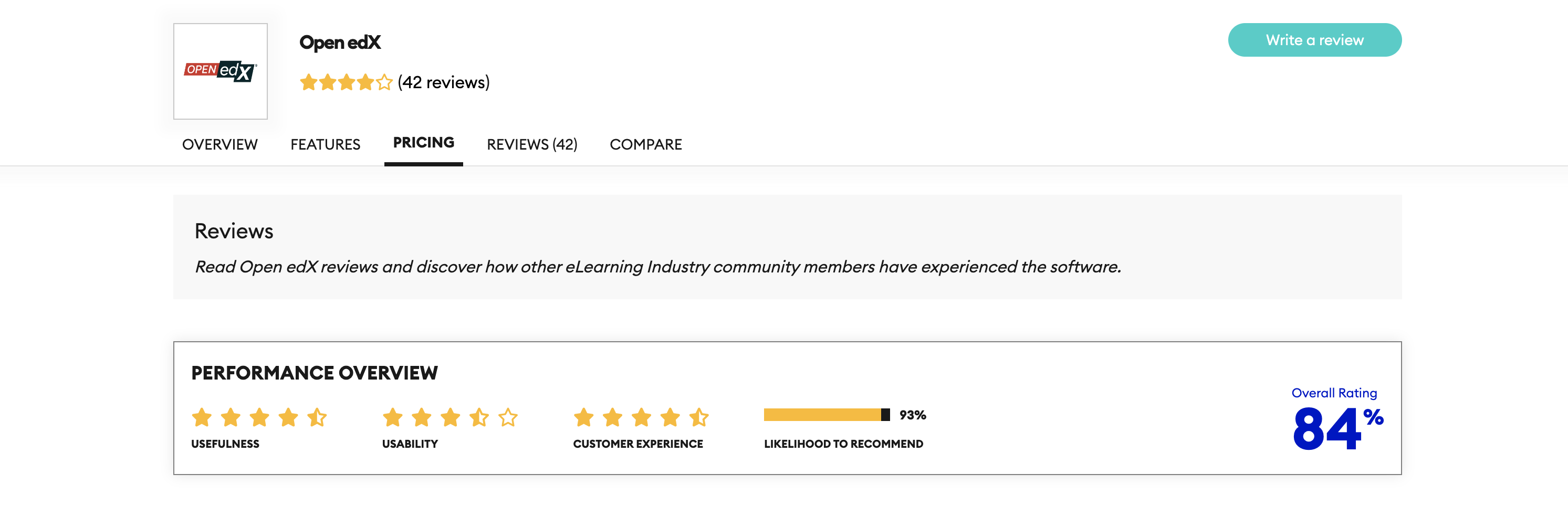
The Open edX platform supports interactive content, deep analytics, and a flexible learning experience. It’s well-suited for schools and offers full support for video, quizzes, discussions, and real-time student data tracking. Schools can build a custom LMS that works across devices and teaching formats.
Pros
- Advanced content and learner analytics
- Strong community and developer support
- Built for scalability and modular expansion
Cons
- Requires more setup and IT management
- May be too complex for very small schools
Best for
Districts and national-scale deployments that need advanced analytics, modular content, and room to grow.

Also Worth Considering for K-12 Districts
- Schoology LMS. Grade passback, SIS sync, and parent communication are all part of the core setup. Teachers in districts with stretched IT teams tend to get comfortable with it faster than most platforms. Best for: Districts prioritizing gradebook integration and teacher-facing usability.
- Google Classroom. The barrier to entry is nearly zero, and most schools already have access via Google Workspace. Reporting and compliance controls are limited, so larger districts usually look elsewhere once requirements get more specific. Best for: Small schools or classrooms that need something simple to set up fast.
PowerSchool LMS. For districts already running PowerSchool as their SIS, the learning management layer keeps attendance, grades, and course records pulling from one source. Less duplicate entry, fewer sync errors. Best for: Districts already in the PowerSchool ecosystem.
One example of why Open edX LMS is a good choice for your school is the Nationwide Online School for Grades 5–11 project. The solution has supported 500,000 learners. This scale shows why Open edX Services is a strong choice for large, national-level projects.
Each K–12 learning management system has its own strengths. Some focus on ease of use. Others offer deep customization or advanced features. If your institution is looking to find, migrate to, or build a custom solution, also consider the future integrations required with your internal systems. The best open-source LMS for K–12 is the one that fits your school’s teaching goals, supports your existing workflows, and can grow with your technical and instructional needs.
Key Features to Look For in a K-12 LMS
What features really matter in a K–12 LMS? When schools evaluate a new LMS, the focus often falls on checklists. But checking boxes isn’t enough. To make a sustainable decision, school administrators and IT teams need to understand how each feature actually impacts teaching, support, and future planning.
Here are the features that should carry real weight — and why they matter beyond the surface.
| Feature | Why It Matters for K–12 | Priority |
Scalability |
A platform may work with 200 students, but will it support 20,000 without rebuilding your setup? A scalable learning system can grow across multiple schools, handle spikes in logins (e.g., during exams), and prevent slowdowns that frustrate staff and students. | ★★★★★ |
User-Friendliness |
If it takes teachers 30 minutes to upload a file or create a quiz, they’ll avoid using the tool. LMS adoption depends heavily on low learning curves and intuitive UX, especially when training time is limited. | ★★★★★ |
Integration Capabilities |
A standalone LMS creates silos. Integration with SIS, gradebooks, assessment tools, and state reporting systems avoids duplicate data entry and ensures student data tracking is real-time and error-free. | ★★★★☆ |
Student Data Tracking |
Districts need to track attendance, progress, and completion by student, class, and school. Built-in analytics can surface early warning signs and support intervention. | ★★★★☆ |
Content Management Tools |
Teachers shouldn’t rely on IT just to update a worksheet. Drag-and-drop tools, version control, and shared resource banks make it easier to manage content across departments. | ★★★★☆ |
Communication Features |
Forums, announcements, and internal messaging help schools reduce email overload and keep all course-related discussions in one place. | ★★★☆☆ |
Device and Browser Support |
With many students using school-issued Chromebooks or personal tablets, platform compatibility affects access. Schools must test LMS performance on low-spec devices and older browsers. | ★★★★☆ |
Reporting and Analytics |
Beyond completion rates, look for systems that offer actionable insights: who’s falling behind, what content isn’t working, whether teachers are aligned with pacing guides. | ★★★★☆ |
FERPA/COPPA Compliance |
Legal baseline for any U.S. K-12 deployment. Determines how student records are stored, accessed, and shared — and what consent is required for students under 13. | ★★★★★ |
Parent/Guardian Portal |
Parents need visibility into progress, assignments, and attendance without access to the full admin system. Platforms that handle this poorly create a support load for teachers. | ★★★★☆ |
Age-Appropriate Interface |
Content controls and UI complexity need to match the age group. What works for high school doesn’t always work for elementary. | ★★★★☆ |
Parent Visibility |
Parents need real-time access to grades, attendance, and assignments without navigating the full admin interface. When this is missing, schools field the same questions over and over through email. | ★★★★☆ |
Compliance and Privacy |
Covers FERPA, COPPA, data residency, and breach notification. Ask vendors specifically how each is configured in the platform before signing anything. | ★★★★★ |
SIS / OneRoster / LTI |
Direct sync with student information systems removes duplicate data entry and keeps enrollment, grades, and attendance consistent across tools. | ★★★★★ |
“We’ve seen schools adopt feature-rich platforms that teachers barely use because the UX was too complex. On the flip side, lightweight tools that skipped reporting ended up failing audits. The right LMS balances both.” — Volodymyr Chekyrta, Engineering Manager at Raccoon Gang
Choosing an LMS isn’t just about what’s available — it’s about what will be used, scaled, and supported over time. That’s why schools should involve both educators and technical staff in the evaluation process from the start.
LMS Implementation Tips for School Districts
Rolling out an open-source LMS can be a major challenge, depending on how it’s done. Successful LMS implementation requires coordination across IT, teaching staff, and school leadership.
Here’s how to make implementation right:
Start with a needs analysis. Map out what your schools actually need from the LMS. List must-have features, integrations with school administration software, and support for existing learning models (blended, remote, in-class).
Build a pilot group. Choose a small group of schools, teachers, and IT staff to test the platform first. A pilot helps uncover issues early and creates internal champions who can support wider rollout.
“Involve school leaders early. Their buy-in helps drive teacher participation and reduces resistance to change.” — Sergiy Tytenko, Chief Product Officer at Raccoon Gang
Plan for training. Even the best edtech tools for schools fall flat if staff aren’t trained. Provide short, focused training sessions that show teachers how to complete real tasks, not just theoretical overviews.
Prioritize integrations. Connect your LMS with student information systems, assessment platforms, and content libraries early in the process. This avoids data duplication and ensures a smoother user experience.
Set support expectations. Decide who handles what — from technical issues to content updates. A clear support structure avoids confusion and downtime during the school year.
Measure adoption and adjust. Use analytics to track engagement. Which schools are using the LMS fully? Where are users dropping off? Make improvements based on actual usage, not assumptions.
Appoint a district data privacy officer before rollout. FERPA and COPPA compliance needs an owner — someone who sits across IT, legal, and school administration and can confirm data handling is configured correctly at every school before anyone logs in for the first time.
Create a parent onboarding plan separate from teacher training. A short guide covering grades, assignments, and communication tools cuts down on the support requests that pile up in the first few weeks after launch. Parents use the platform differently than staff, and generic training materials don’t account for that.
→ Read how Instructional Design Services turn materials into a clear, student-friendly course structure.
Conclusion
Open-source LMS platforms offer more than free access to software. They give schools the control to shape learning around their own goals, tools, and constraints. For districts aiming to reduce vendor dependency, meet unique teaching needs, and stay flexible in a changing educational field, this path is worth serious consideration.
The true value of a cost-effective LMS solution isn’t just in cutting license fees. It’s in the ability to adapt quickly — whether you’re adding new educational technology tools, scaling across more classrooms, or integrating with internal systems that evolve over time.
Schools that treat LMS adoption as a long-term strategy, not a short-term fix, are the ones that get the most out of their platform. But choosing the right open-source system, configuring it for daily use, and maintaining it at scale requires more than installation. It takes a partner who understands both the technology and the classroom.
FAQ
What is the best LMS for schools and districts?
Does a K-12 LMS need to be FERPA and COPPA compliant?
How does a K-12 LMS differ from a corporate or higher education LMS?
What features matter most in a K-12 LMS?
How can Raccoon Gang help schools implement a K-12 LMS?



- Why K-12 Schools Need a Dedicated LMS
- What Is an Open Source LMS for K-12 Schools?
- Best K-12 LMS Platform in 2026
-
Key Features to Look For in a K-12 LMS
- Scalability
- User-Friendliness
- Integration Capabilities
- Student Data Tracking
- Content Management Tools
- Communication Features
- Device and Browser Support
- Reporting and Analytics
- FERPA/COPPA Compliance
- Parent/Guardian Portal
- Age-Appropriate Interface
- Parent Visibility
- Compliance and Privacy
- SIS / OneRoster / LTI
- LMS Implementation Tips for School Districts
- Conclusion