






A credible list of the best online learning platforms must look beyond polished landing pages. Platform quality shows up in the course catalog, authoring tools, analytics, and learner flow. The interface should let learners move through modules, quizzes, and discussions without friction.
“Adding live polls and micro-quizzes to our custom Open edX LMS lifted learner interaction by 47 percent and drove completion rates from 58 percent to 87 percent in under two months. Rapid feedback loops paired with scenario-based challenges changed students from spectators to full participants.”
— Sergiy Tytenko, Chief Product Officer at Raccoon Gang
Top eLearning Platforms: Comparison Table
The market offers dozens of online learning platforms. The table below highlights several widely used platforms and shows where each one fits best.
| Platform | Main Focus | Pros | Cons | Best For |
| Open edX | Open-source LMS with deep customization | Flexible, built for large-scale courses, strong extension ecosystem | Requires technical setup, admin learning curve | Universities and enterprises building custom LMS platforms |
| Canvas | Cloud LMS for higher education | Clean interface, strong grading tools | Paid licensing | Universities, colleges, and organizations running structured online or blended programs |
| Moodle | Open-source LMS for institutions | Plugin ecosystem, strong course tools | Requires hosting | Universities, schools, and organizations that want full control over their LMS |
| Khan Academy | Free academic learning for K–12 | Free access, structured lessons, adaptive exercises | Limited career-focused content | Students and teachers studying core subjects |
| Coursera | University courses and professional certificates | Recognized credentials, structured programs | Subscription costs accumulate | Professionals seeking career credentials |
| LinkedIn Learning | Professional skills training | Large business and tech catalog, LinkedIn credential integration | Subscription required | Professionals building job skills |
| Skillshare | Creative, project-based learning | Active community, project sharing | Limited academic depth | Designers and creative learners |
| edX | University-level courses and MicroMasters | University partners, free audit option | Paid certificates | Learners pursuing academic study |
| Udemy | Marketplace for online courses | Huge catalog, lifetime access | Course quality varies | Learners exploring new skills |
| MasterClass | Celebrity-led courses | High production, famous instructors | No certifications | Learners seeking inspiration |
This mix of the best eLearning platforms offers something for every learner, whether you’re after open-source freedom, zero-cost academics, or star-powered inspiration. Let’s explore what we know about these websites, with some of the best e-learning software solutions behind the scenes, and pick the one that fires up your curiosity and meets your goals.
Best Online Learning Platforms in 2026
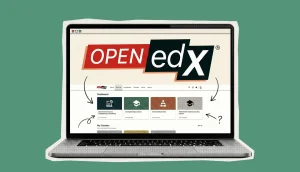
#1. Open edX
- Website: open.edx.org
Open edX’s open-source code lets you customize interfaces, workflows, educational content, and assessment engines down to the last pixel, so you can use this ecosystem, knowing how to develop your own online education platform, either for corporate or organizational purposes. Organizations build their XBlocks or plug in third-party modules for gamification, proctoring, or advanced analytics. Hosting on your cloud or outsourcing it to our Open edX hosting platform ensures you control data privacy and uptime SLAs.
Completion tracking, cohort segmentation, and REST APIs integrate with any existing BI or HR system. A vibrant developer community continuously shares updates for multilingual support, accessibility, and micro-learning patterns. No per-seat fees slow you down: just hosting costs and the thrill of building features with community-made XBlocks.
Institutions love pushing completion stats straight into their reporting pipelines. Thanks to seasoned partners like Raccoon Gang, world-class organizations such as NASA, Harvard University, and the EBRD choose custom LMS development services built on Open edX.
Pros and Cons of Open edX:
| Pros | Cons |
| No license fees, total code ownership | Requires a technical team or partner |
| Extremely flexible with XBlocks and themes | Setup and maintenance demand resources |
| Rich analytics can drive data-informed tweaks | Baseline UI is sparse without theming |
| Scales from dozens to millions of users | The initial deployment time is longer |
Open edX is Best For:
Universities, nonprofits, and enterprises that need a fully customized learning management system (LMS) and have the development resources (in-house or via a partner) to shape every element of the e-learning experience.
#2. Canvas
- Website: instructure.com/canvas
Many universities use Canvas as their main LMS. Instructors usually structure a course around modules. Inside them they upload readings, add assignments, and set up quizzes or graded tasks. Announcements and discussion threads help keep students in the loop.
Canvas also connects with external tools through LTI integrations. This allows teams to plug in video platforms, testing tools, or other learning services. Since the system runs in the cloud, institutions do not deal with hosting or maintenance. Students access courses from a browser or the mobile app.
Pros and Cons of Canvas:
| Pros | Cons |
| Clean interface, strong grading tools | Paid licensing |
| Large integration ecosystem | Advanced customization may require developers |
| Mobile apps for learners and instructors | Limited hosting control |
Canvas is Best For:
Universities and training organizations running structured online or blended programs.
#2. Moodle
Moodle is an open-source LMS that universities, schools, and corporate academies often deploy on their own infrastructure. This setup gives institutions more control over data, access rules, and integrations.
Course creators build learning spaces with quizzes, assignments, forums, and grading tools. At the same time, Moodle’s plugin ecosystem adds extra capabilities. Organizations often connect analytics tools, authentication systems, or HR platforms. For many institutions, Moodle becomes the central system that supports online and blended courses.
Pros and Cons of Moodle:
| Pros | Cons |
| Open-source, no license fees | Requires hosting and maintenance |
| Large plugin ecosystem | Interface may need customization |
| Flexible course management | Setup requires technical effort |
Moodle is Best For:
Universities, schools, and organizations that want full control over their LMS and integrations.
#4. Khan Academy
- Website: khanacademy.org
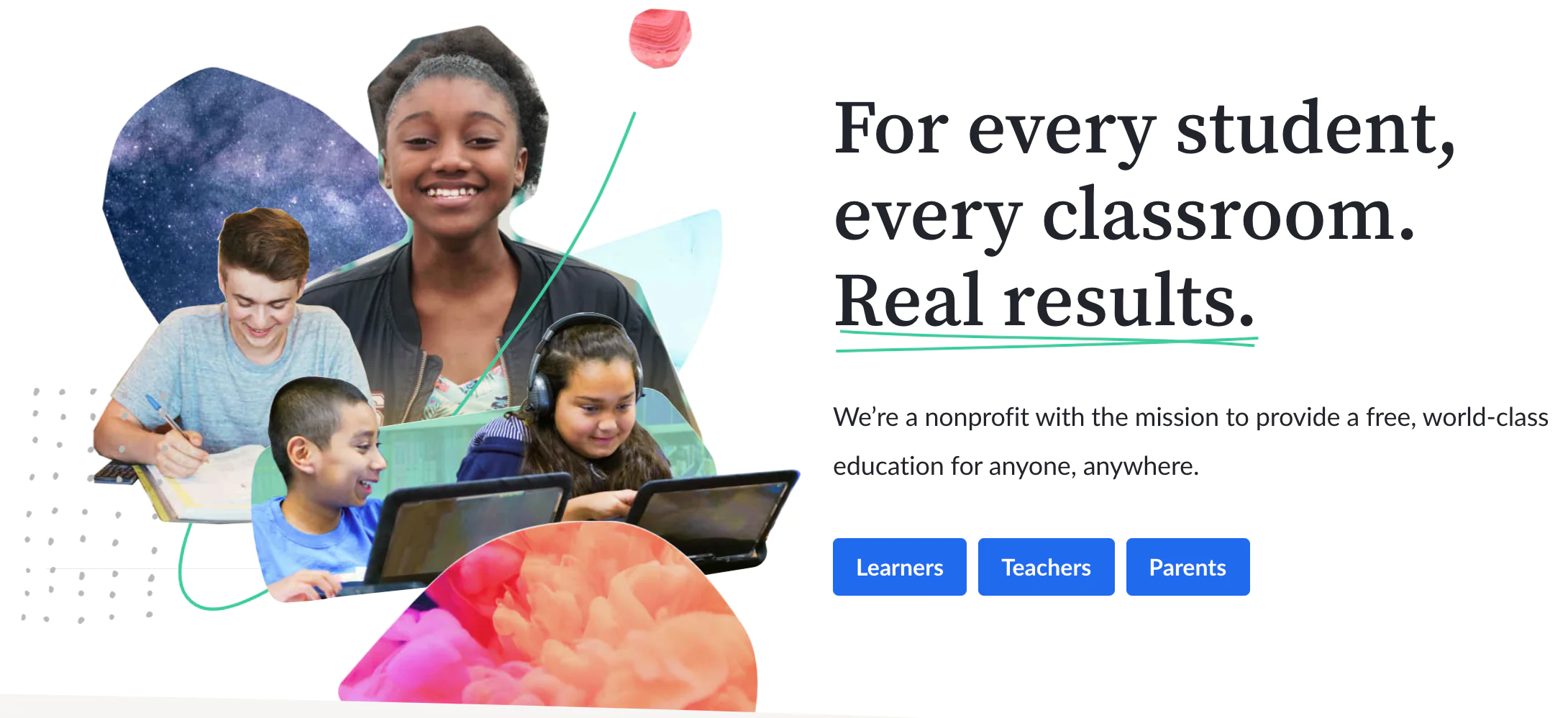
Khan Academy offers free online lessons in math, science, and several humanities subjects. The learning format stays simple. Short videos introduce a concept, and practice exercises follow.
The system adapts to learner progress. If a student struggles with a topic, the platform keeps suggesting similar problems until the concept becomes clear. Teachers and parents can track progress in dashboards and assign extra practice when needed. Because the videos stay lightweight and transcripts are available, the content works even with slower internet connections.
Pros and Cons of Khan Academy:
| Pros | Cons |
| Fully free with no upsells | Limited to core academic subjects |
| Adaptive practice reinforces retention | No formal credentials or credit |
| Lightweight for low-connectivity settings | Lacks advanced vocational content |
| Transparent progress tracking for mentors | Minimal live interaction features |
Khan Academy is Best For:
K–12 classrooms, homeschoolers, and community programs that need a digital education supplement that adapts to each student’s pace without any online course creation cost barrier.
#5. Udemy
- Website: udemy.com
Udemy’s marketplace hosts over 200,000 courses in everything from blockchain infrastructure to watercolor techniques. Instructors set their own prices, and you’ll catch deep discounts in frequent site-wide sales. Lifetime access means you can revisit tricky topics any time.
Course ratings and previews help you vet quality before purchase. While peer interaction is minimal, Q&A sections often yield instructor replies within 24 hours. The breadth of offerings makes Udemy ideal for niche skills, like podcast editing or 3D printing, in addition to core business and tech topics.
Udemy’s Pros and Cons
| Pros | Cons |
| Massive course library covers rare topics | Quality can swing wildly between instructors |
| One-time purchase grants permanent access | No formal credentialing or accreditation |
| Regular promotions make premium content affordable | Limited live or cohort-based experiences |
Udemy is Best For:
Independent learners hunting for virtual learning answers to very specific questions, from “how to set up Vue.js” to “intro to calligraphy.”
#6. LinkedIn Learning
- Website: linkedin.com/learning
LinkedIn Learning embeds certificates directly into your LinkedIn profile, which can turn skill badges into recruiter magnets. The AI engine curates courses based on trending job skills in your network, then updates recommendations weekly. Short educational modules (under ten minutes) can easily slot into busy workdays.
LinkedIn features built-in quizzes and code sandboxes that let you test your knowledge immediately. All content ties back to LinkedIn Insights, so you see how demand for skills like data analysis or UX design is rising. Team analytics dashboards help managers track department-wide progress on compliance or leadership tracks.
LinkedIn’s Pros and Cons
| Pros | Cons |
| Instant LinkedIn certificates boost visibility | No free tier beyond trial |
| AI-driven recommendations keep you current | Mostly video-only with limited interaction |
| Mobile and desktop syncing for on-the-go learning | Lacks deep hands-on environments |
LinkedIn is Best For:
Professionals seeking quick, online training bursts that map to industry demand and immediately enhance their public profiles.
#7. Skillshare
- Website: skillshare.com
Skillshare’s project-first model means every class ends with a portfolio piece, from a brand logo to a short animated video. Unlimited annual membership grants access to thousands of creative workshops. Built-in class galleries and group projects support peer-friendly critiques that push your newly adopted skills further.
As a community-driven eLearning website, Skillshare offers bite-sized lessons you can finish in one short time and multi-part series for deeper dives into each subject or matter. Instructors often host live “office hours” in Slack channels so you can ask questions directly. While content varies by creator, community ratings and previews help you pick standout courses.
Skillshare’s Pros and Cons
| Pros | Cons |
| Project-based tasks build real work samples | Quality varies since anyone can teach |
| Unlimited classes under one subscription | No accredited certificates or college credit |
| Strong peer feedback via galleries and groups | Niche technical or academic content is thin |
Skillshare is Best For:
Creative professionals and makers who thrive on interactive online courses that leave them with tangible work to showcase.
#8. edX
- Website: edx.org
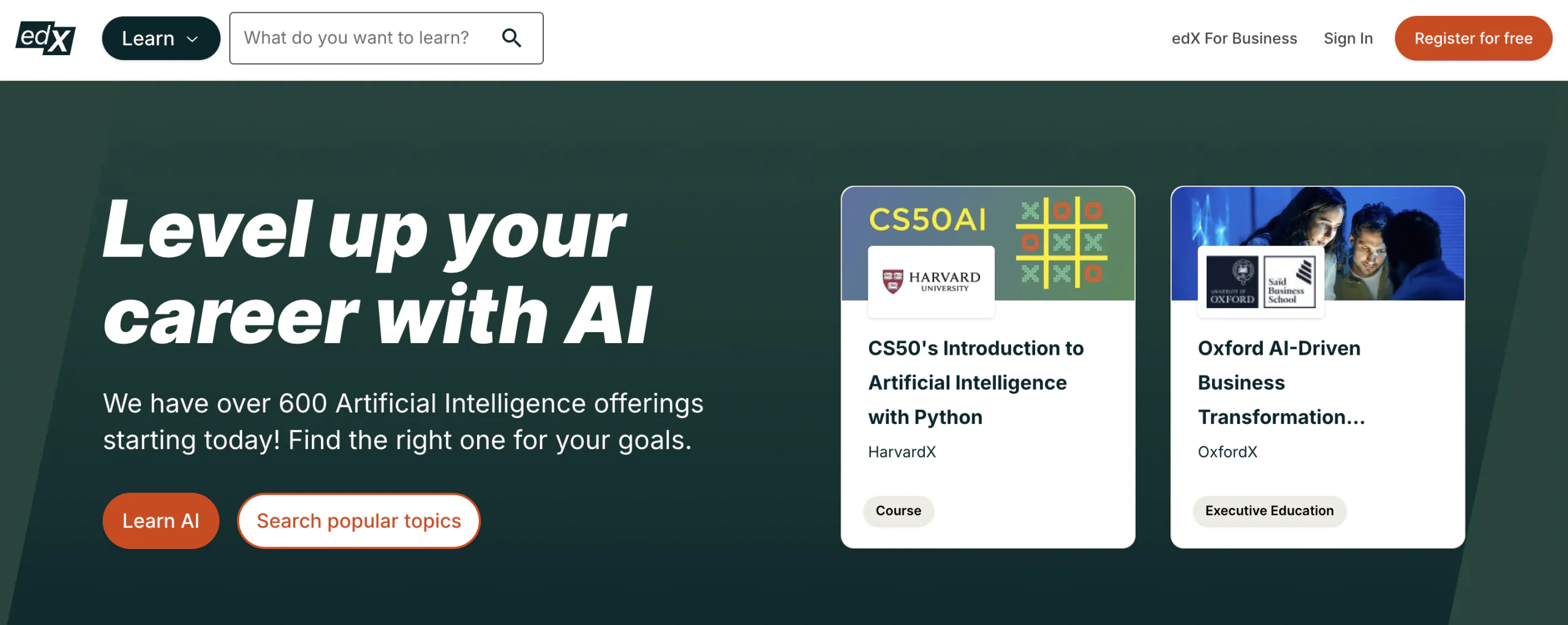
As a leading eLearning website, edX offers free audit tracks on thousands of university-level courses, plus paid MicroMasters and Professional Certificate paths. Interactive labs in robotics, data science, or supply-chain management run right in your browser. Verified certificates often count toward academic credit, adding real-world value. Inline discussion threads beside video timelines invite lively dialogue, not isolation.
Transcripts in multiple languages and mobile-optimized lectures broaden access. Integrations with Canvas and Blackboard via LTI let campuses embed edX modules into their own instructional design workflows. Accessibility features, including closed captions in multiple languages, ensure no learner is excluded. Regular instructor-led webinars and office hours deepen understanding beyond prerecorded lectures.
edX’s Pros and Cons
| Pros | Cons |
| University-backed MicroMasters and certificates | Paid credentials can be pricey |
| Hands-on labs for real-world practice | Fixed schedules may conflict with busy lives |
| Strong accessibility and global partner network | Forum traffic spikes can slow replies |
edX іs Best For:
Lifelong learners and professionals are targeting online learning platforms that offer formal academic credit or advanced certification.
#9. Coursera
- Website: coursera.org
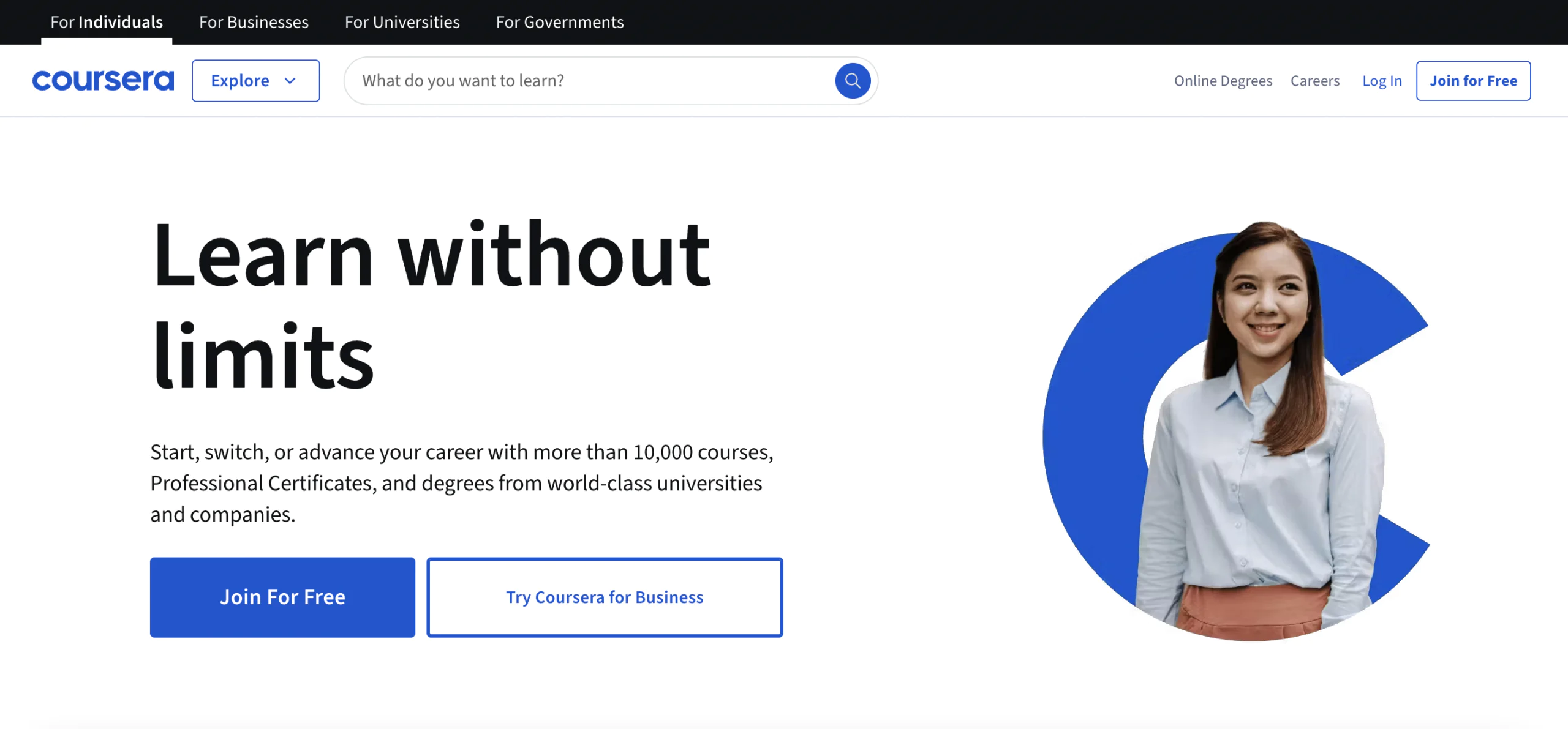
Coursera hosts courses from universities and technology companies. Many programs follow a structured format with weekly topics, assignments, and peer feedback. Some courses include practical work such as AWS labs, Python notebooks, or business simulations. Learners can explore most courses for free and pay only if they want a verified certificate.
Short video lessons make it easier to study in short sessions. The mobile app also supports offline viewing. Several courses often combine into specializations that focus on a specific skill area. In addition, a number of universities run full online degree programs through the platform.
Pros and Cons of Coursera
| Pros | Cons |
| University-issued certificates and degrees | Certificates and degrees carry significant fees |
| Real-world labs and projects for skill practice | Cohort schedules may feel rigid |
| Audit mode grants free access to core materials | Peer grading quality can vary |
Coursera is Best For:
Career changers and professionals seeking official credentials from top institutions, plus structured timelines that mimic on-campus programs.
#10. MasterClass
- Website: masterclass.com
MasterClass takes a different approach to online learning. Well-known chefs, writers, actors, and entrepreneurs record video lessons where they talk about their craft and experience.
Lessons are usually short, around ten to twenty minutes. Instead of quizzes or formal assessments, the platform focuses on ideas, techniques, and professional perspective. One subscription unlocks the entire catalog of courses. Learners can also join community discussions to share work and comment on each other’s progress.

MasterClass’ Pros and Cons
| Pros | Cons |
| High-production value keeps you glued to each lesson | No formal credentials or graded assessments |
| One membership unlocks all courses | Focus on inspiration over step-by-step how-to |
| Engaging storytelling from world-class talents | Limited interactivity with instructors |
MasterClass is Best For:
Creative enthusiasts seeking big-picture insights and motivation rather than drill-based skill acquisition.
How to Choose Online Learning Platforms
Here’s what we checked as we built our list of top eLearning and virtual training platforms:
- Course Catalog. Large catalog. Clear sign of platform maturity. Strong platforms host thousands of courses across fields like software engineering, data analysis, design, and writing. This range supports multiple learning tracks in one system.
- User Experience. Interface quality affects completion rates. Clear navigation helps learners move through courses. Stable playback prevents disruptions during lessons.
- Accessibility. Captions, transcripts, and screen-reader support expand access. These features help organizations meet accessibility standards.
- Certification. Certificates must carry a recognizable value. Employers often recognize credentials from established platforms.
- Community Features. Discussion boards and cohort groups support peer interaction. Learners ask questions, exchange solutions, and stay active during longer programs.
- Mobile Learning. Mobile apps and responsive interfaces support learning on the move. Offline downloads allow learners to continue courses without internet access.
- Pricing Structure. Clear subscription tiers reduce budget guesswork. Transparent pricing helps individuals and companies plan training spend.
- Technical Integrations. Platforms must connect to existing systems. LMS integrations sync course data. APIs feed activity data into analytics tools. Single sign-on simplifies access across platforms.
The Final Word
We’ve raced across the ten best eLearning platforms and websites. from open-source learning management system (LMS) workhorses you can bend any way you like, to slick subscription hubs brimming with celebrity-led classes. Course catalogs sprawl from coding labs to calligraphy studios. Some interfaces wrap around you like a glove; others feel as dated as VHS.
Behind every standout eLearning website lies a blend of thoughtful design, engaging content, and tools that empower both learners and instructors. Accessibility features break down barriers while certificates and badges swagger on your résumé. Community forums and API connectors stitch everything into one live network.
Ready for a setup that ticks every box? → Reach out to Raccoon Gang for custom instructional design and bespoke LMS solutions that spotlight your goals.