









This guide compares the 5 best instructional design tools — Articulate 360, Adobe Captivate, iSpring Suite, Lectora, and Elucidat — with pricing, key features, and practical guidance on which fits your use case. Based on 150+ eLearning projects at Raccoon Gang, including NASA’s Open Science 101 curriculum and EBRD compliance programs.
Quick orientation:
- Best overall authoring suite: Articulate 360 (Storyline 360 + Rise 360) — industry standard, highest adoption, extensive asset library.
- Best for simulations and VR: Adobe Captivate — software simulation, VR/AR scenarios, more affordable than Articulate.
- Best for PowerPoint users: iSpring Suite — lowest learning curve if your team lives in PowerPoint.
- Best for accessibility compliance: Lectora — strongest WCAG and Section 508 compliance, built-in analytics.
- Best for enterprise teams: Elucidat — collaboration-first, guided authoring for non-designers, cloud-based.
Instructional designers and anyone else tasked with creating a course or teaching material today face more pressure than ever. That’s why instructional design tools have become essential for creating learning and training materials. Because deadlines are tighter, expectations are higher. And there’s no room for clunky tools.
Most professionals would agree that, in 2026, having the right instructional design tool isn’t optional — it’s critical (of course, if you want to receive the training module or course on time). For example, our instructional design department at Raccoon Gang regularly uses Adobe Creative Cloud and Rise 360 by Articulate to design curriculum modules tailored to various learning goals.
This article cuts through the noise. No hype. No outdated advice. Just a straight look at the tools shaping course creation this year — and how to pick the one that works for your needs.
If you’re designing learning experiences that actually stick, you’ll want to keep reading.
What Are Instructional Design Tools?
Instructional design tools are software solutions used to plan, build, and manage learning experiences. Each stage of the course development process — from planning to delivery — may require the involvement of one or another instructional design software.
There are many tools out there, each designed for specific tasks. For instance, you might use one to map learning objectives, another to create interactive content, and a third for evaluation. In such a case, you cannot do without suitable instructional technology software.
“If a tool helps structure learning or speed up content creation, it earns a place in my toolkit. Even tools not built specifically for learning, like Zoom or Google Drive, can be part of your workflow if they support the design process.” — Olha Turutova, Head of Instructional Design at Raccoon Gang.
Some specialists use tools that focus on authoring. Others prefer curriculum design software that supports multi-module course planning. Still others need to manage assessments, gather feedback, or enable collaboration between subject matter experts, designers, and developers.
That’s why we’re reviewing the top 5 tools that help creators in 2026, not just in words but in deeds. Let’s observe them.
Instructional Design Software vs. Instructional Design Tools: What’s the Difference?
In practice, “instructional design software” and “instructional design tools” are often used interchangeably — but they signal different use cases to different audiences:
| Instructional design software | Instructional design tools | |
| Who uses this term | L&D managers, procurement, HR directors choosing a platform for a team | Instructional designers building their personal workflow stack |
| Scope | Complete solutions: authoring + collaboration + LMS delivery + analytics | Individual point solutions: one tool for one task (storyboarding, video, quiz, etc.) |
| Examples | Articulate 360, Elucidat, Lectora, Adobe Captivate | H5P (interactivity), Canva (visuals), Loom (video), Miro (storyboarding), Camtasia (screen recording) |
| Procurement | Typically requires budget approval; per-seat or per-author licensing | Often free or low-cost; individual purchases |
| LMS integration | SCORM/xAPI export built-in; designed to work with your LMS | Varies — some export SCORM, some don’t integrate with LMS at all |
This guide covers the instructional design software category — complete authoring platforms used by professional teams. For a deeper look at individual point tools, see our eLearning authoring tools guide.
Best Instructional Design Software & Authoring Tools in 2026
Corporate instructional designers and independent content creators rely on instructional design authoring tools to build courses, simulations, and assessments faster than ever. The best instructional design software in 2026 combines authoring capability, LMS export (SCORM/xAPI), collaboration features, and responsive design in one platform. The best instructional design software can boast features like AI, VR/AR, etc. The tools below are widely cited in 2026 articles and reviews.
We’ve created this top to include both course design software, learning design tools, and full instructional design platforms. And then the choice is yours. What’s your case? What’s your experience using these or other tools? Some are better for solo creators, while others work well for larger teams or instructional design firms.
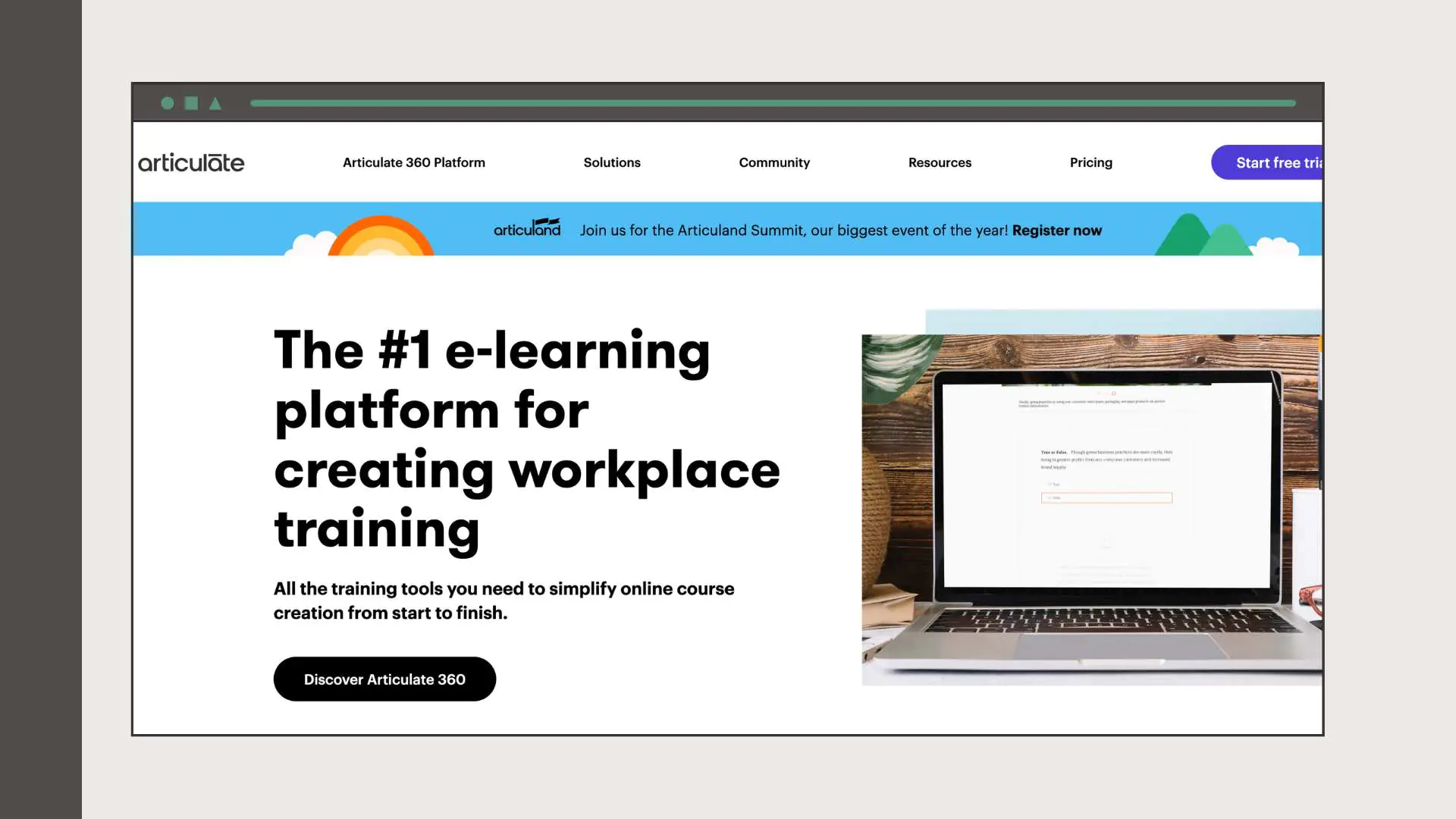
Articulate 360 (Storyline 360 & Rise 360)
Articulate 360 is the industry‑leading e‑learning authoring suite. It contains Storyline 360 for advanced slide‑based courses and Rise 360 for quick responsive courses. The suite provides a content library, collaboration tools (Review 360), and integrates with LMSs.
Pros:
- Interactive course creation without coding. Storyline 360 lets designers add click‑boxes, drag‑and‑drop activities, quizzes, and custom triggers without programming.
- Extensive asset library and templates. The Content Library and Review 360 streamline course development and review processes.
- Responsive design via Rise 360. Rise 360 builds mobile‑friendly courses quickly and is easy for beginners.
Cons:
- Steep learning curve for complex interactions. Advanced features require time to master.
- Limited experimentation and accessibility. Designers often prototype elsewhere and then build in Storyline; accessibility features remain limited.
- Costly and requires an LMS. The suite is expensive and does not include hosting; you need an LMS to deliver content.
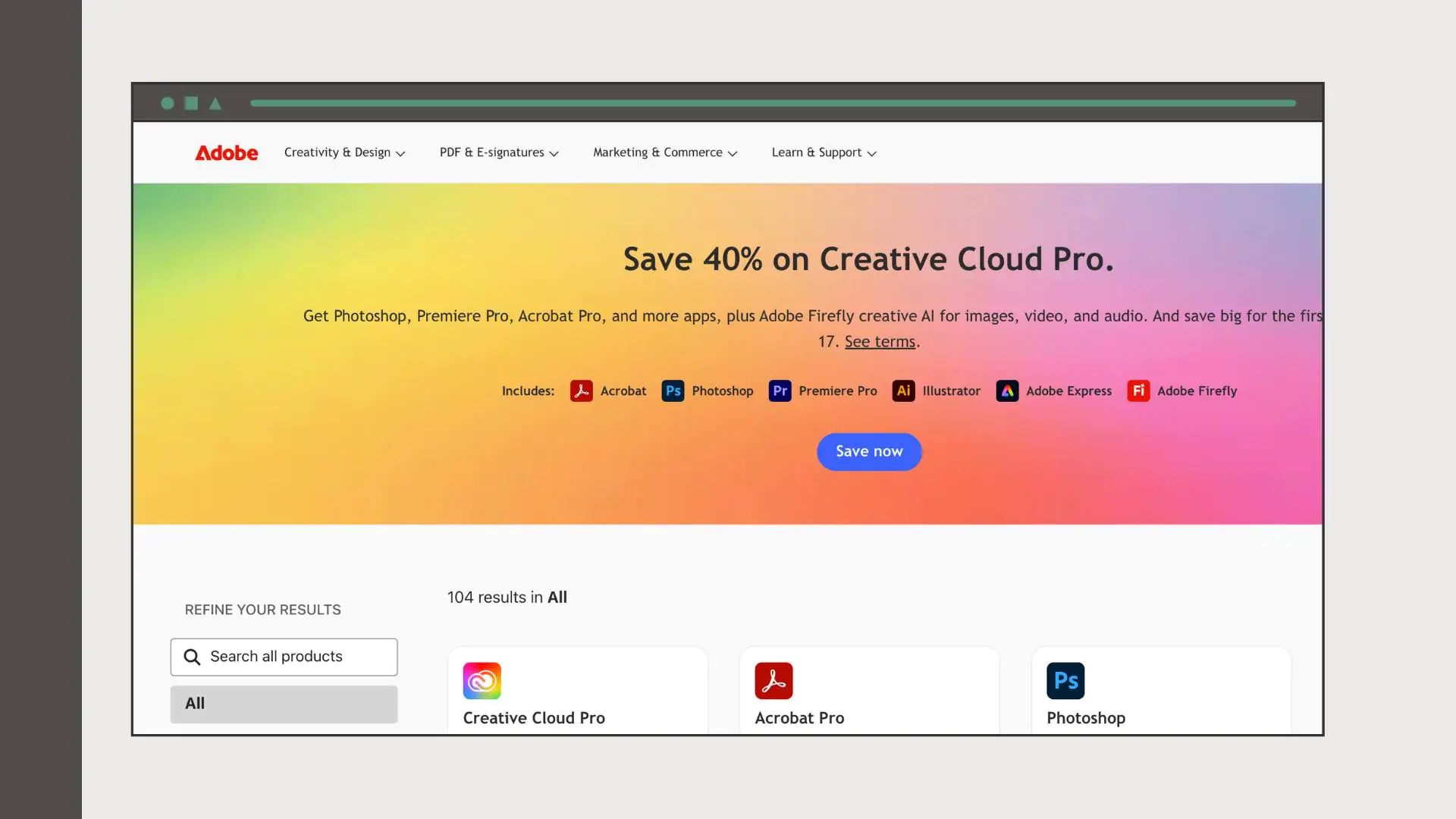
Adobe Captivate
Adobe’s flagship e‑learning tool supports interactive course creation, software simulations, and even VR/AR content. Captivate integrates with most LMSs and offers responsive design templates.
Pros:
- Software simulations and complex interactions. Captivate excels at creating simulations and supports triggers, variables, and branching scenarios.
- Responsive and multimedia‑rich design. Courses automatically adjust to various devices and include quizzes, interactions, and video.
- More affordable than some competitors. Monthly subscription pricing is lower than Storyline.
Cons:
- Outdated user interface and learning curve. Reviewers note that Captivate’s UI feels dated and is harder to learn than Storyline.
- Limited animation options and slower UX. Some users complain that animation features are restricted and the interface can lag.
iSpring Suite
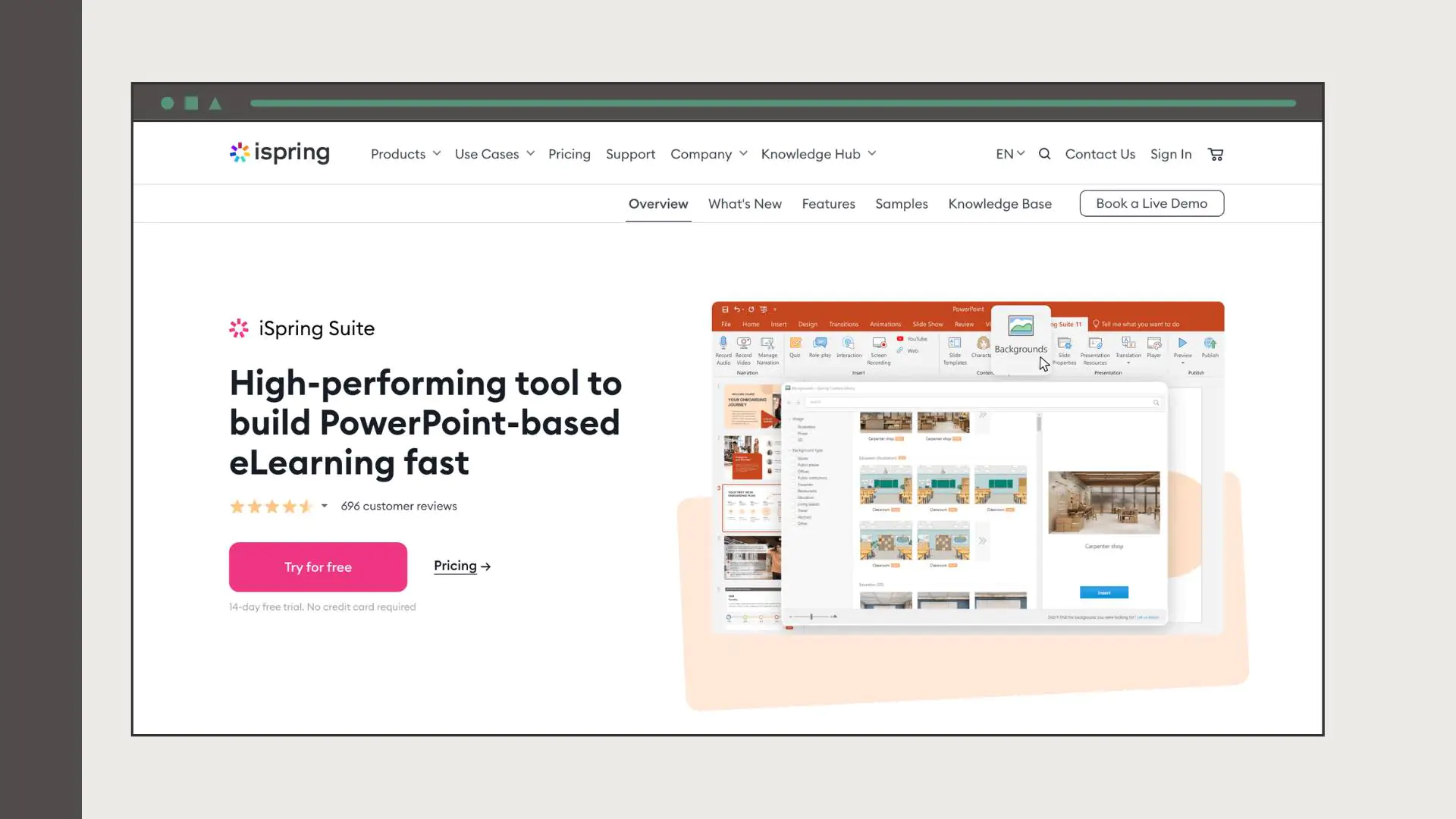
iSpring Suite builds on Microsoft PowerPoint, allowing instructional designers to convert presentations into interactive e‑learning courses. The suite includes a video studio, quiz maker, and dialogue simulation tools.
Pros:
- PowerPoint‑like interface. Designers familiar with PowerPoint find iSpring easy to learn.
- Strong customer support. Reviewers praise responsive technical assistance.
- Rapid course creation with interactive quizzes and video editing. The tool keeps animations and transitions intact when converting PowerPoint slides and offers a built‑in video editor and quiz maker.
Cons:
- Slide templates and design options are more constrained than in other tools.
- iSpring Suite runs only on Windows.
Lectora (ELB Learning)
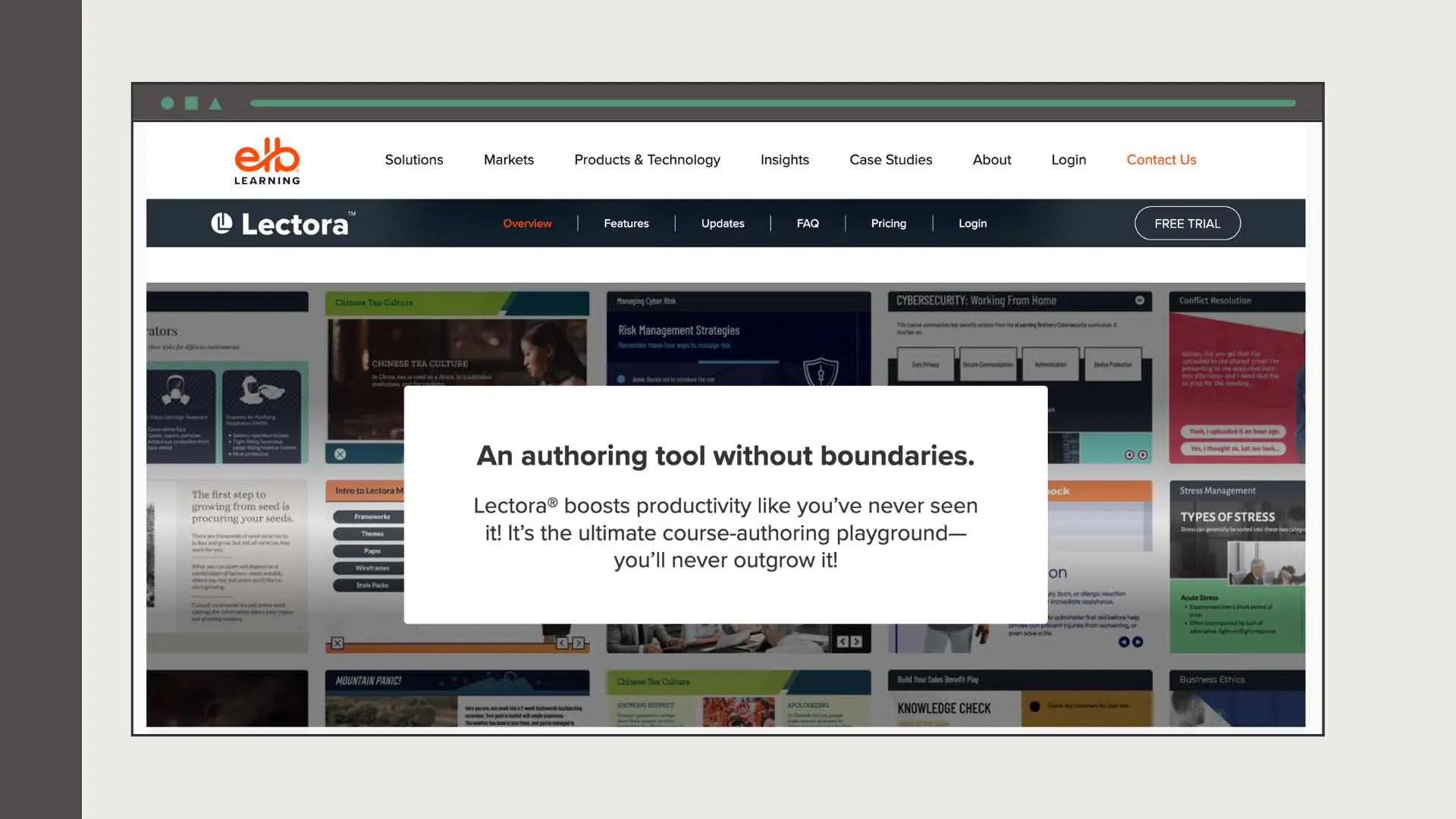
Lectora is a long‑established authoring tool known for its accessibility compliance and analytics. It offers drag‑and‑drop editing, responsive design, and integration with VR scenarios via the CenarioVR plug‑in.
Pros:
- Lectora prioritizes accessibility and generates analytics reports on course performance.
- Comprehensive template and media libraries. Built‑in templates, interactions, and frameworks accelerate course creation.
- AI course wizard and VR integration. The 2026 version includes an AI‑powered course wizard and integration with CenarioVR for immersive scenarios.
Cons:
- New users need time to understand the interface.
- Some reviewers report delays in support responses.
Elucidat
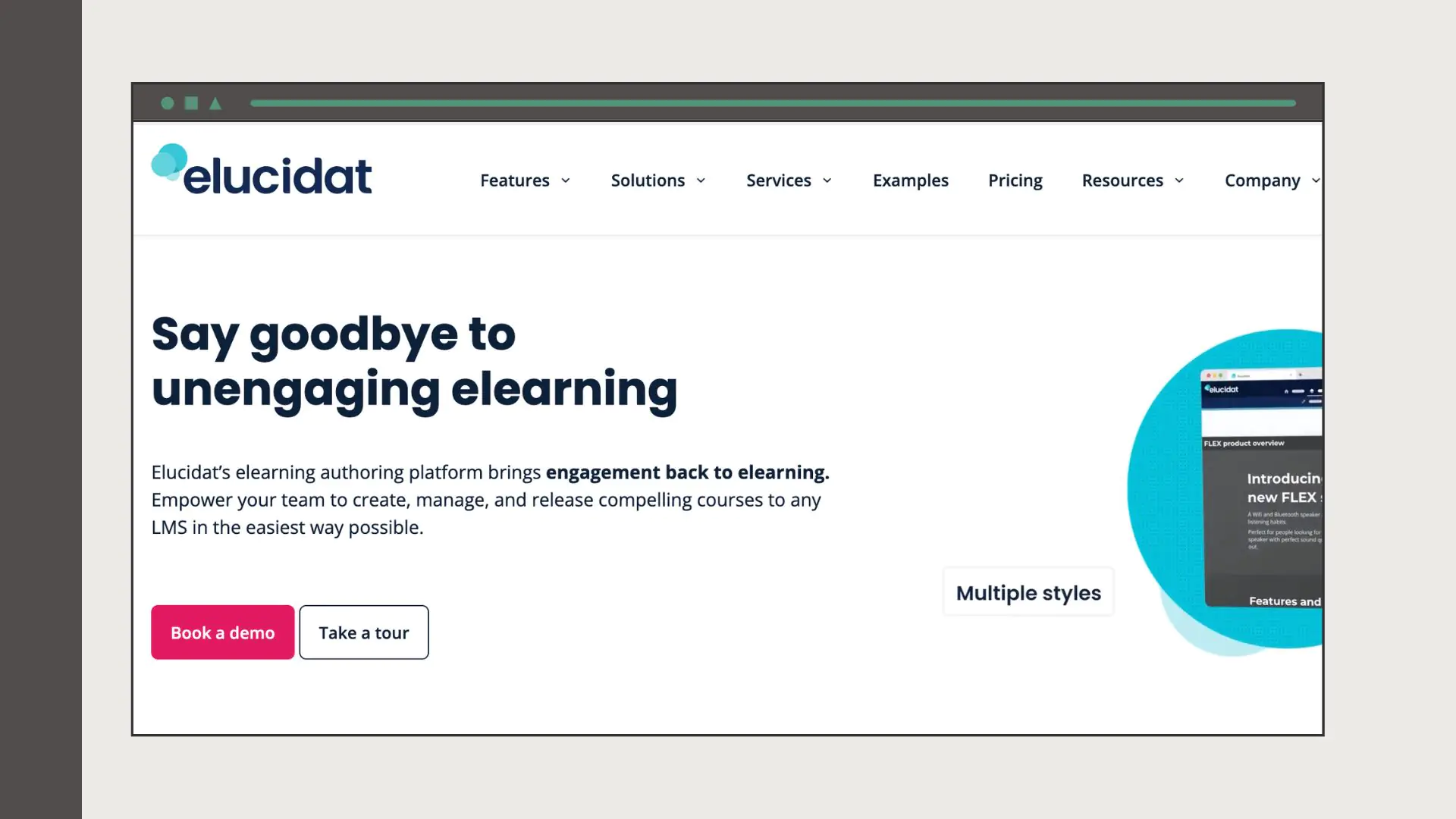
Elucidat is a cloud‑based platform aimed at enterprise teams. It offers a WYSIWYG interface, AI‑powered Learning Accelerator tools, and collaboration features.
Pros:
- Effortless creation with WYSIWYG interface. Elucidat’s drag‑and‑drop interface and Learning Accelerator templates allow non‑coders to create courses quickly.
- Collaboration and guided authoring. Cloud‑based review tools let stakeholders provide feedback directly on slides; the Guided Authoring feature breaks down complex tasks for less experienced authors.
- Responsive design and gamification. Courses automatically adapt to any device; pre‑built interaction types and gamified elements like badges and leaderboards enhance engagement.
Cons:
- Predefined layouts restrict highly customized designs.
- Even though user‑friendly, mastering all features takes time and may require a different workflow.
- Courses may not be downloadable for offline use depending on the plan.
Comparison Table
The table summarizes the five tools, highlighting their key advantages, disadvantages and pricing. (Pros and cons are concise; see the discussion above for more details.)
| Tool | Pros | Cons | Pricing (USD)* |
| Articulate 360 (Storyline 360 & Rise 360) | Interactive slides; extensive asset library; responsive design via Rise | Steep learning curve; limited accessibility & experimentation; high cost & LMS required | Personal plan $1,199/yr; Teams plan $1,499/yr; Academic $899/yr |
| Adobe Captivate | Software simulations; responsive multimedia courses; lower monthly cost | Dated interface; steep learning curve; limited animations | $33.99/mo for individuals; team/education plans by quote |
| iSpring Suite | PowerPoint‑like interface; good support; rapid course & video/quiz creation | Limited templates; Windows‑only | Suite $970/yr;
Suite Max $1,290/yr; Cloud $720/yr |
| Lectora | Accessible & analytics; rich templates; AI course wizard & VR integration | Learning curve; slow support; expensive bundles | Studio Gold Suite $117/mo (annual); Learning Creation Studio $799/mo |
| Elucidat | WYSIWYG interface & Learning Accelerator; collaboration & guided authoring; responsive & gamification | Limited design flexibility; learning curve; expensive; limited offline access | ~ $2,500 per author/year (min. 3 authors) |
*Prices are approximate and refer to typical 2026 rates. Vendors often change pricing and offer discounts for academia, nonprofits or bulk licensing. Contact vendors for current quotes.
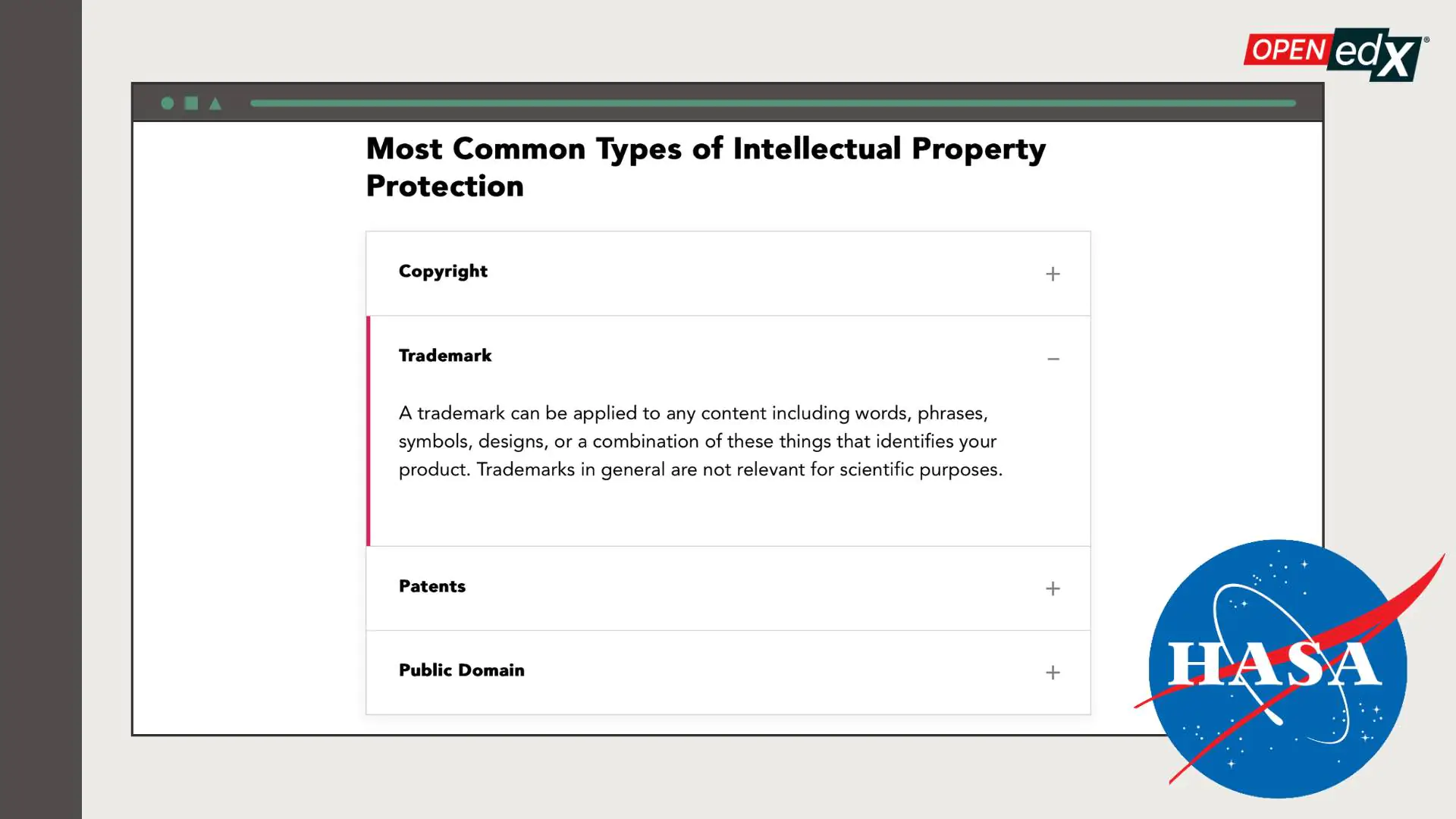
Example of interactive accordion content created directly in Open edX — here showing an Intellectual Property Protection module with expandable sections.
Curriculum Design Software: When You Need More Than an Authoring Tool
Curriculum design software serves a different purpose than authoring tools — it focuses on planning and structuring the overall learning program before any content is built. If authoring tools are for building individual courses, curriculum design software is for mapping the entire learning journey: scope and sequence, prerequisites, learning objectives hierarchy, and assessment alignment.
The tools above (Articulate, Adobe Captivate, etc.) are primarily authoring tools — they build the content. For curriculum planning and visual program design, instructional designers also use:
- Miro or Mural — visual whiteboards for mapping course sequences, prerequisites, and learning paths before building content.
- Notion or Confluence — for writing learning objectives, content outlines, and scope documents that multiple stakeholders review before development begins.
- Open edX Studio — for teams building directly in Open edX, Studio functions as both a curriculum design and course authoring interface. Raccoon Gang has enhanced Open edX Studio with custom CSS styles that allow non-developers to create accordions, tabs, flip cards, and categorized tables directly in the platform — replacing the need for separate authoring software in many cases.
- Dedicated curriculum mapping tools (Atlas by Common Curriculum, Curriculum Trak) — primarily for K-12 institutions that need to align content to academic standards.
For organizations building on Open edX, Raccoon Gang’s enhanced Studio interface is often sufficient as both a curriculum design tool and an authoring environment for structured courses — reducing the need for external SCORM tools entirely. See our Instructional Design services →
Bonus: Instructional Design Software based on the Open edX LMS
While many teams rely on external tools like Rise or H5P, Raccoon Gang’s instructional design and development teams have enhanced the Open edX platform itself. Together with the markup developers, we created custom CSS styles. New styles help designers to format content directly inside Open edX — no plugins, no extra software.
We have worked on this upgrade so that you could publish interactive elements such as accordions, tabs, flip cards, carousels, and categorized tables without extra development support.
If your goal is to build internal training programs or customer education portals, this upgrade will definitely replace many individual tools. Start by comparing the best employee training software to support these programs.
As an expert in online employee training software and customer onboarding solutions, Raccoon Gang is ready to help you create interactive content, especially for the Open edX LMS.
How to Choose the Right Instructional Design Tool for Your Needs
Not every tool fits every project. To choose the right instructional design software, start with your training goals.
Step 1: Define your training goals and content format
Are you building short compliance modules or a full onboarding program? Will your content be video-based, simulation-heavy, or mostly text with quizzes? These questions help narrow down your options. Simulation-heavy content → Adobe Captivate. Rapid responsive courses → Rise 360. PowerPoint-heavy team → iSpring.
Step 2: Assess your team’s technical skills
Some instructional design software requires custom coding or advanced setup. Others work well out of the box. If your team has no development experience, Elucidat or Rise 360 have the lowest barrier. If you have developers, Articulate Storyline or custom Open edX XBlocks unlock significantly more interactivity.
Step 3: Check LMS integration compatibility
Integration matters. If you’re using Open edX as your learning platform, verify that your instructional design authoring tool exports SCORM 1.2, SCORM 2004, or xAPI — all of which Open edX supports natively. Articulate 360, Adobe Captivate, iSpring, Lectora, and Elucidat all export SCORM/xAPI.
Step 4: Confirm SCORM/xAPI or native LMS embedding
If you’re using Open edX or another LMS, choose tools that support SCORM/xAPI export or direct HTML embedding. Raccoon Gang also supports native content enhancements in Open edX Studio — for teams that want to reduce dependency on external SCORM tools.
Step 5: Consider total cost of ownership, not just licensing
Licensing is only part of the cost. Factor in: training time for your team to reach proficiency (Articulate Storyline has a steep curve), template and asset library access (Articulate’s Content Library reduces production time significantly), review and approval workflow (Elucidat and Review 360 by Articulate are built for this), and ongoing maintenance as content needs updating. If you’re unsure, Raccoon Gang can help you evaluate instructional design software based on your content strategy, technical stack, and growth plans. Book a free call →
How Raccoon Gang Uses Instructional Design Tools
In real projects, our specialists use the best tools to deliver learning at scale:
Custom content development
At the NASA project, we designed the Open Science 101 Curriculum. We authored five modules in Rise 360 and integrated them via SCORM into Open edX. Interactive elements like accordions, quizzes, and progression logic were added.
At the EBRD project, we redesigned policy and training materials into modular e‑learning on Open edX. We handled e‑module design, text editing, content migration, and platform management.
Integrating tools with Open edX
The instructional design department at Raccoon Gang helps customers bring authoring tools like Rise 360 into the LMS. Our designers structure content so your teams can easily update modules. If indeed we can set up review cycles, build templates, and automate course deployment (our raccoons really like to do this e-learning stuff).
Conclusion
The right instructional design software is the tool that will help you move faster. As in any other field, when you are equipped with the necessary toolset, the task is completed more easily, the result is better, and you have time to do more. And it will not be a secret to say that the development of educational materials is no exception to this list.
“I’ve seen teams speed up production just by picking a tool that matches how they work. I’ve also seen strong ideas slowed down by tools that don’t fit the team or the content.”
If you’re not sure which tools make sense for your project, or how to improve what you’re already using, reach out. It’s better to take advantage of a free consultation once again than to blindly choose a tool that will eat up your budget, and you will still do everything in PowerPoint.
We are always here to lend you a shoulder when instructional design and the appropriate tools for this need an expert’s perspective.
FAQ
What are instructional design tools used for?
What is the best instructional design software for 2026?
Are there free instructional design tools?
What’s the difference between course design software and instructional design platforms?
Can I use instructional design software with Open edX?
What is curriculum design software?
What LMS software includes instructional design tools?




- What Are Instructional Design Tools?
- Instructional Design Software vs. Instructional Design Tools: What's the Difference?
- Best Instructional Design Software & Authoring Tools in 2026
- Comparison Table
- How to Choose the Right Instructional Design Tool for Your Needs
- How Raccoon Gang Uses Instructional Design Tools
- Conclusion